


By SIRMA
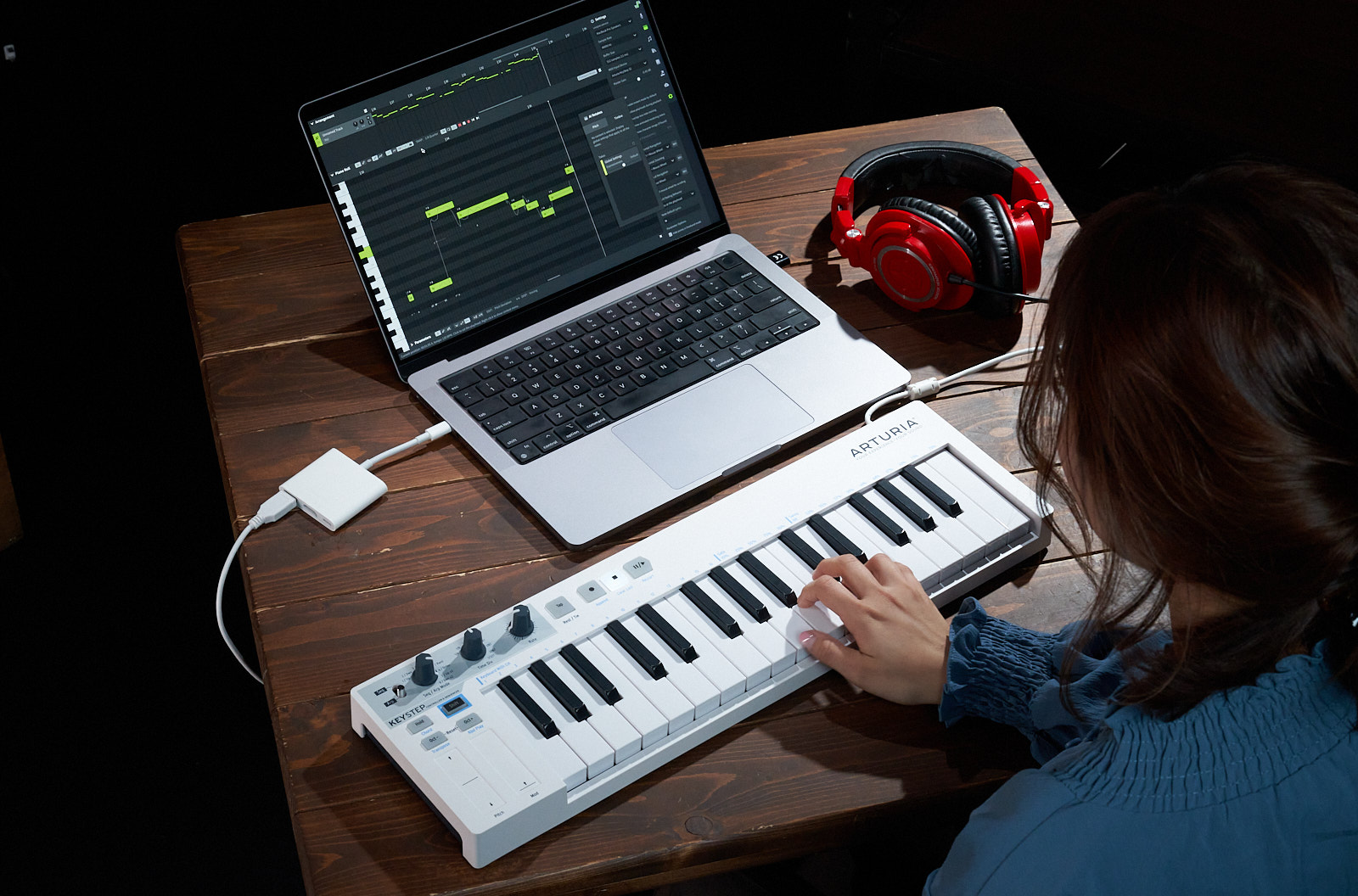
Struggling to find royalty-free vocal samples that fit your tracks? With the AI-powered vocal synth Synthesizer V, you can create your own melodies and lyrics.
It’s liberating to build arrangements with samples from a variety of sources. Sampling old records and isolating vocals for bootleg remixes has long been a tradition in music production. But using copyrighted material without permission can result in takedowns or even legal disputes. That’s why many producers turn to royalty-free vocal samples instead. They’re pre-cleared for commercial use and don’t require additional licensing. Problem solved, right?
Well, not exactly. Royalty-free vocal samples aren’t exclusive. And because many producers use them straight out of the pack, hundreds of tracks featuring the same recording end up circulating online. Now imagine adding your own release to the mix. How can you be sure YouTube Content ID won’t flag your upload simply because another artist used the same sample first?
You can’t. But luckily, with Synthesizer V Studio 2 Pro, you have the power to design a unique topline for your next track. Here’s how you can draw inspiration from vocal samples you find on Splice and Loopcloud, and build your own version in Synthesizer V.
How to Create Vocal Samples with Synthesizer V Studio 2 Pro
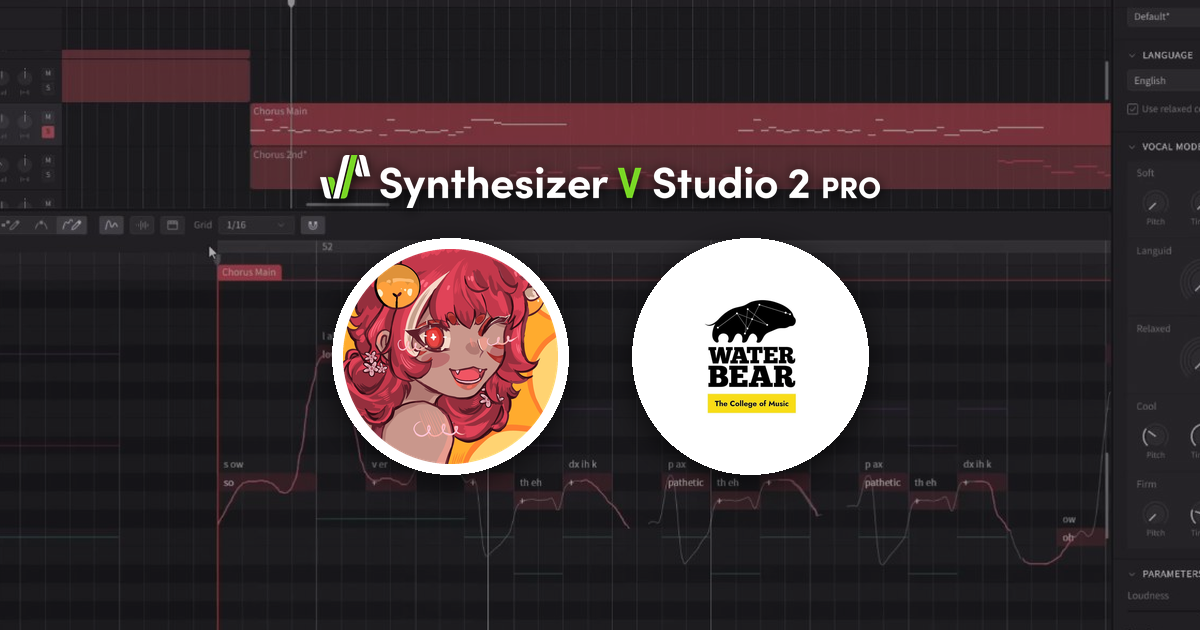
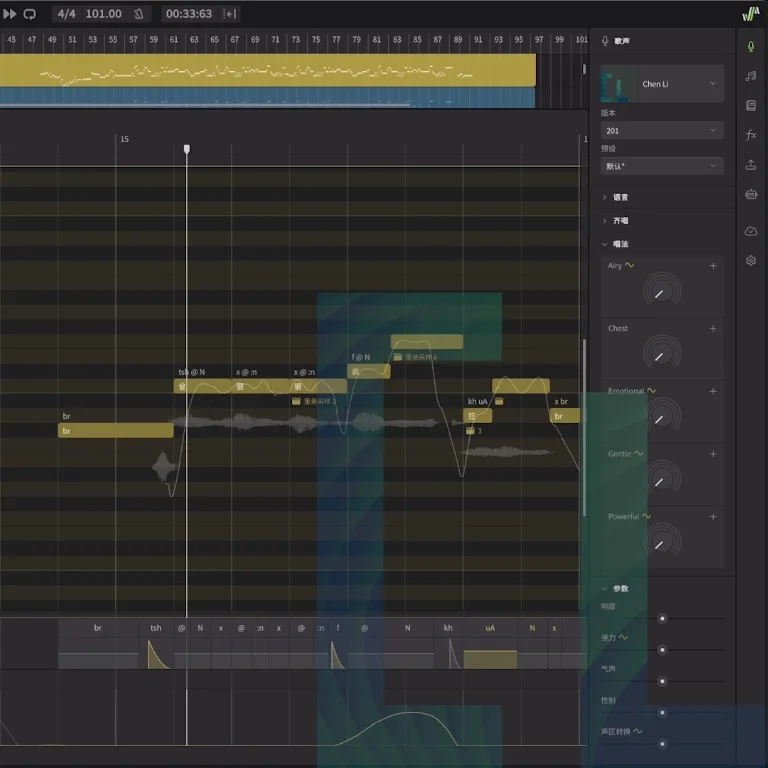
Synthesizer V is a virtual instrument that brings ethically sourced, hyper-realistic AI vocals into your tracks. Unlike text-based AI generators, it doesn’t create melodies or lyrics automatically. You get to control every note, phrase, and expression.
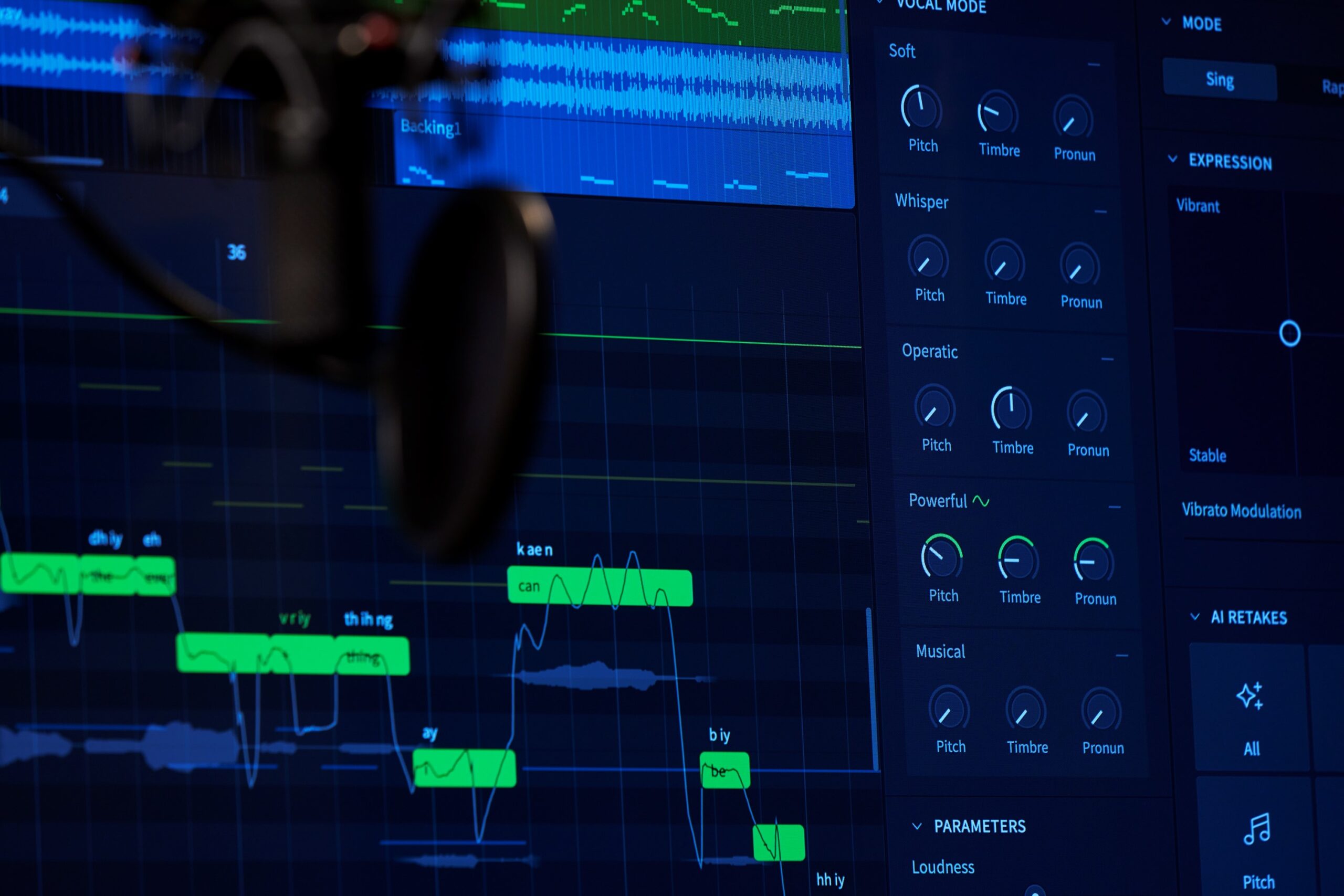
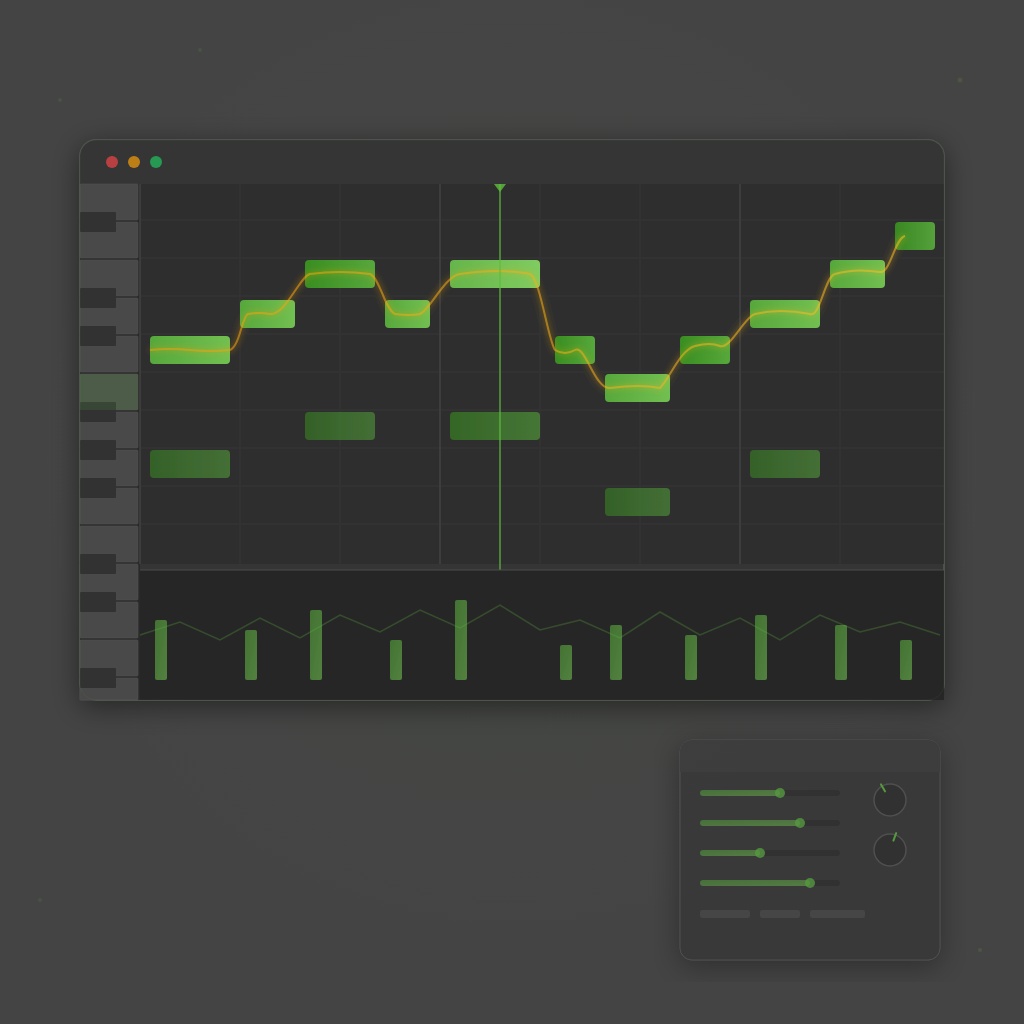
Using Synthesizer V’s vast voice library, built-in piano roll, and detailed effects parameters feels similar to tweaking other soft synths. Instead of oscillators, you’ll be blending vocal modes like Whispery or Belt. Instead of low-frequency oscillation (LFO) rates, you’ll dial in the Vibrato Modulation and Pitch Deviation controls.
Forget spending hours revising prompts to get a usable result, or being limited by pre-made vocal samples. With Synthesizer V, you can compose vocals alongside your instrumentals, adjusting notes and lyrics as you go. Customized vocals every step of the way.
Here’s a walkthrough video to show you how it works.
Select an AI Vocalist That Suits Your Genre
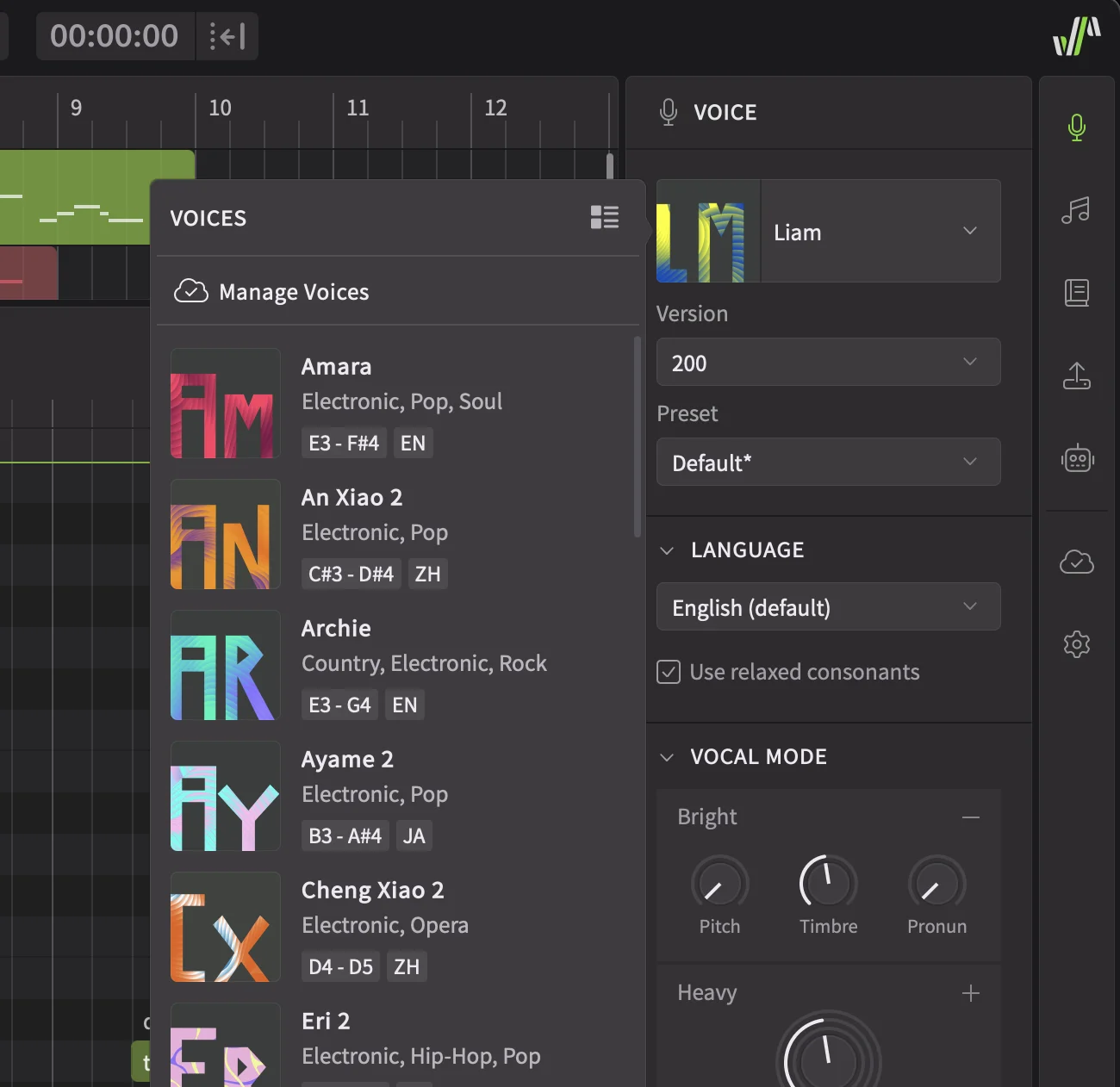
Synthesizer V comes with an extensive multi-language AI voice library, giving you the freedom to create custom vocal samples for any genre. It can be daunting to sift through all the options, so let’s focus on some versatile voices you can start with.
Female Vocal Characters
- Natalie: With a flexible tone, she can belt through fast vibratos or sing softly to exude delicate emotions. Especially a good fit for electronic and pop subgenres.
- Etta: A mezzo-soprano character with seamless chest, mixed, and head voice transitions. Her slightly raspy tone brings a soulful touch to any style. In Whispery mode, she adapts to melodic techno and drum & bass easily.
- Felicia: A unique voice that can perform both contemporary and classical tunes well. Her Operatic vocal mode shines in symphonic EDM and metal contexts, but she can also deliver chest-voice-heavy lines for deep house and nu-disco tracks.
- Amara: A combination of warmth and resonance woven into a three-octave range. She has the agility for impressive runs and precise pronunciation that fit theatrical songs quite well.
Male Vocal Characters
- Danny: A warm tenor with a gentle falsetto, he brings a vulnerable touch to any pop or R&B production. Handles glides and transitions between large intervals well.
- Hayden: A husky and soft voice that will remind you of the classic teen pop sound of the 2000s. He has a familiar raw timbre that embodies indie and rock subgenres, as well as melodic EDM.
- Kevin: Adopts the methodical singing approach of a seasoned musical performer. His clear pronunciation and steady tone may inspire you to work on classic rock and retro projects.
Choir Vocal Characters
- Choir Voices – Collection 1: An intelligent and expressive choir made up of soprano, alto, tenor, and bass voices that provides a rich vocal tapestry in multiple modern genres such as pop, R&B, rock, and electronic music.
- Choir Voices – Collection 2: An impressively realistic classical choir, originally sampled in Mandarin, with soprano, mezzo-soprano, tenor, and baritone voices that add an operatic touch to any music, especially cinematic scores.
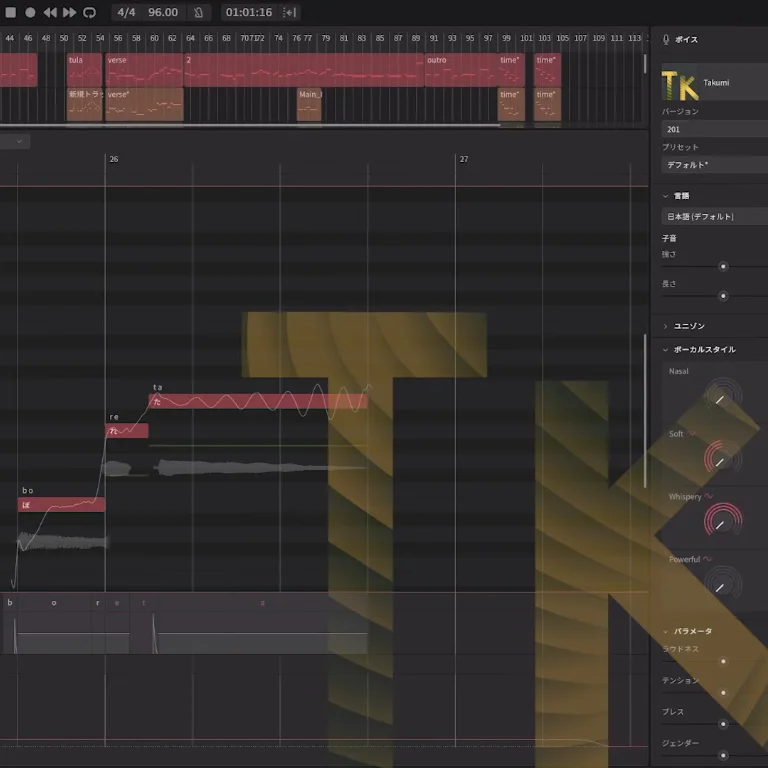
The solo AI voices listed here are generated from native English speakers. But they can be programmed to sing in multiple languages, such as Spanish or Korean. There are also voice banks derived from Japanese and Mandarin Chinese native singers, including Riku, Jin, and Qing Su. If the language you’re looking for isn’t available yet, you can always use Synthesizer V’s phoneme editor to write without boundaries.
Generate Melodies from Existing Vocal Samples
Synthesizer V provides a blank canvas, but sometimes working within constraints can help boost your creativity. That’s when drawing inspiration from existing royalty-free vocal samples can be useful.
Still, there are legal and ethical considerations. For example, copying the melody and lyrics from a sample and replacing the voice with another, like your own, is typically not allowed. Similarly, relying on a single vocal sample as the sole basis for prompt-based AI vocal generation can raise copyright concerns in the future.
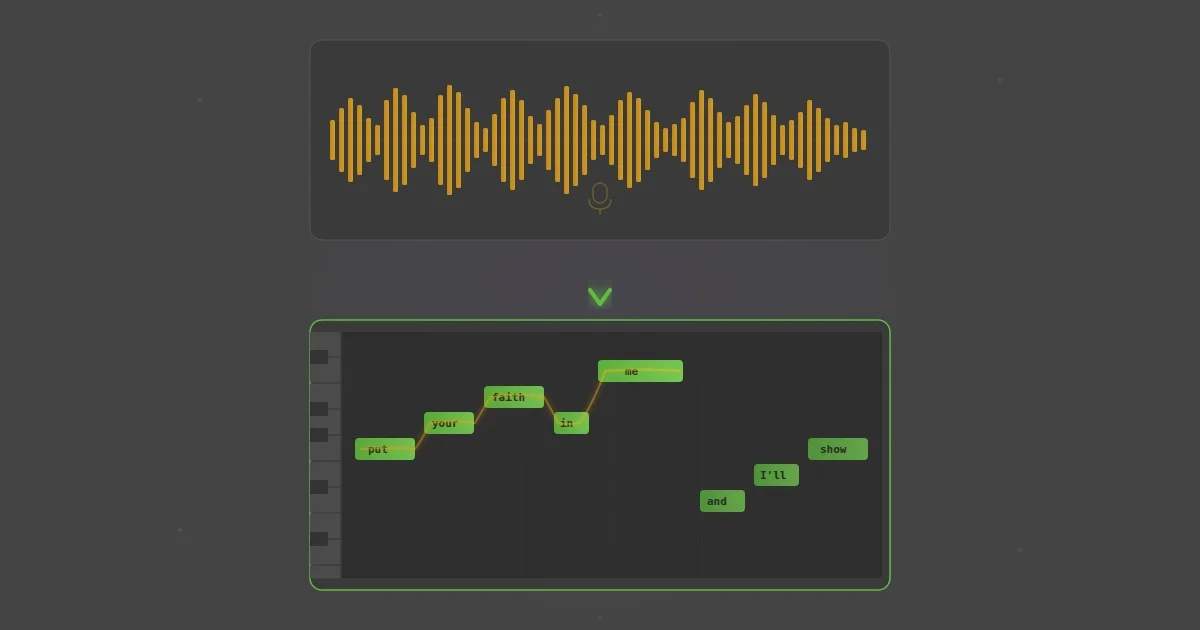
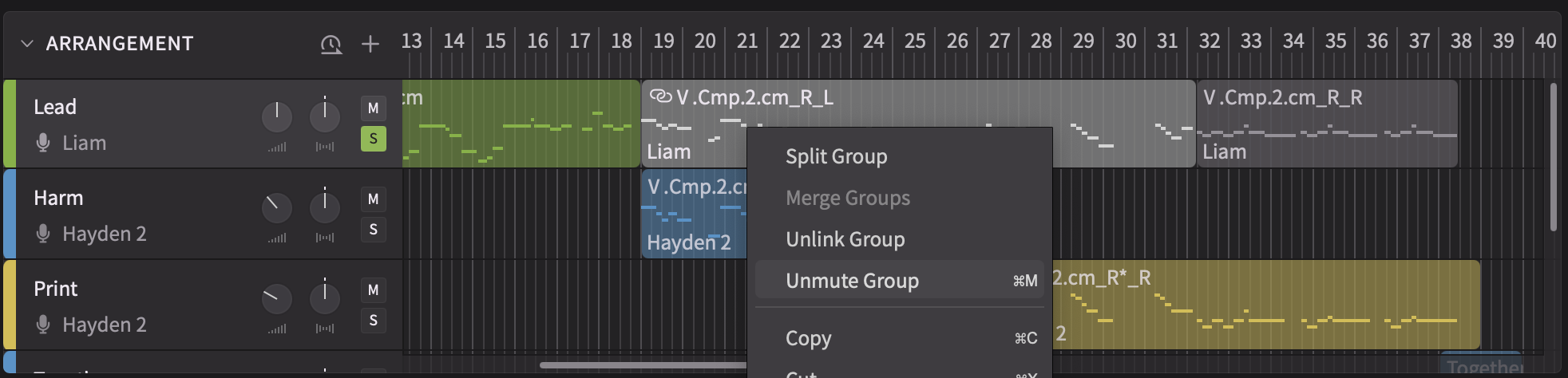
A better approach is to treat the sample as a creative starting point. Drop a dry vocal sample into Synthesizer V, convert it to MIDI, and suddenly, your canvas doesn’t look so blank anymore.
With this strategy, you can try two approaches:
- Extend the sample’s melody and lyrics with your writing, then make changes in the source material.
- Modify the sample’s melody and lyrics first, and continue writing from that new foundation.
Extending a Sample’s Melody and Lyrics
Let’s try the first approach. Here, we have a sample from my vocal pack on Splice, SIRMA’s Vocal Palette. I’ve picked a monophonic recording with no reverb or delay effects. This way, the Voice-to-MIDI conversion will work well.

I extract the audio notes and play them back in Natalie 2’s voice. After fixing some of the lyrics and notes, this is what I got.
Now, I can safely change the tempo and key without degrading the audio quality of the sample. I select all the notes and go to the Modify tab to find the Transpose option. I move the melody from B minor to G♯ minor by shifting the notes three semitones down. Then, I increase the tempo from 100 bpm to 115 bpm.

The rhythm of the melody sounds a bit rushed, so I decide to simplify it. I lay down some chords using a synth in Ableton Live 12. I also insert a stock reverb on the Synthesizer V channel to help set the mood. From there, I extend both the melody and the lyrics. Since the harmonic rhythm mainly consists of whole and half notes, the topline naturally takes on a more emotional, laid-back shape.
Here’s how it sounds so far.
The lyrics of the original sample describe a romance gone wrong. It’s a relatable theme. The narrator is running away from someone she no longer wants to be with. What happens next?
Answering that question helps me reshape the original topline. I also pay close attention to Natalie’s pronunciation, making a phonetic edit on the word “life” to stretch it across three pitches.
This topline could work as a verse paired with intriguing soundscapes and lush chords. But for vocals that fit a specific groove, it’s often best to start with the guidance of a drum pattern.
Changing the Sample’s Melody
Let’s give approach two a try. I experiment with toplining a minimal, techno-inspired beat that I made in Ableton. I rewrite the original melody and lyrics, then continue developing the topline from there.

To fit the vocals into the moody and dark atmosphere, I leave more space between phrases. This time, I also compress Natalie’s vocals and add two stages of delay to enhance the mix. In the end, the result sounds completely different from my first rewrite.
The Basics of Writing a Topline From Scratch
As you can hear, the instrumental arrangement can influence your writing decisions. Every professional songwriter pays attention to the groove to come up with a melodic rhythm that fits the track like a glove. This is the key difference between writing a song from scratch and toplining an instrumental demo.
The instrumental arrangement establishes the tempo, key, style, and chord progressions to guide your songwriting. Even if you don’t know much about music theory, your ears will guide you to land on notes that already exist in the chords. And whenever you’re not arriving on chord tones, you’ll approach them through passing tones. This constant push and pull is what draws you, and the listener, in.
Sometimes the lyrics and melody come as a package deal. You find yourself in a flow state, and the song writes itself. Other times, you might contemplate the words you want to say for a while. It can be frustrating to wait for an idea to appear.
A quick remedy for writer’s block is sketching out the melody with vowels first. Keep it simple so that you can flesh it out based on the lyrics later.
Picking Lyrical Themes
Most novices view lyric writing as an abstract and boundless practice. But a song, no matter how long or short it may be, exists within a specific timeframe. You just need to fill it with words that tell a story or describe an emotional state. In a way, that finite amount of space is the biggest constraint there is.
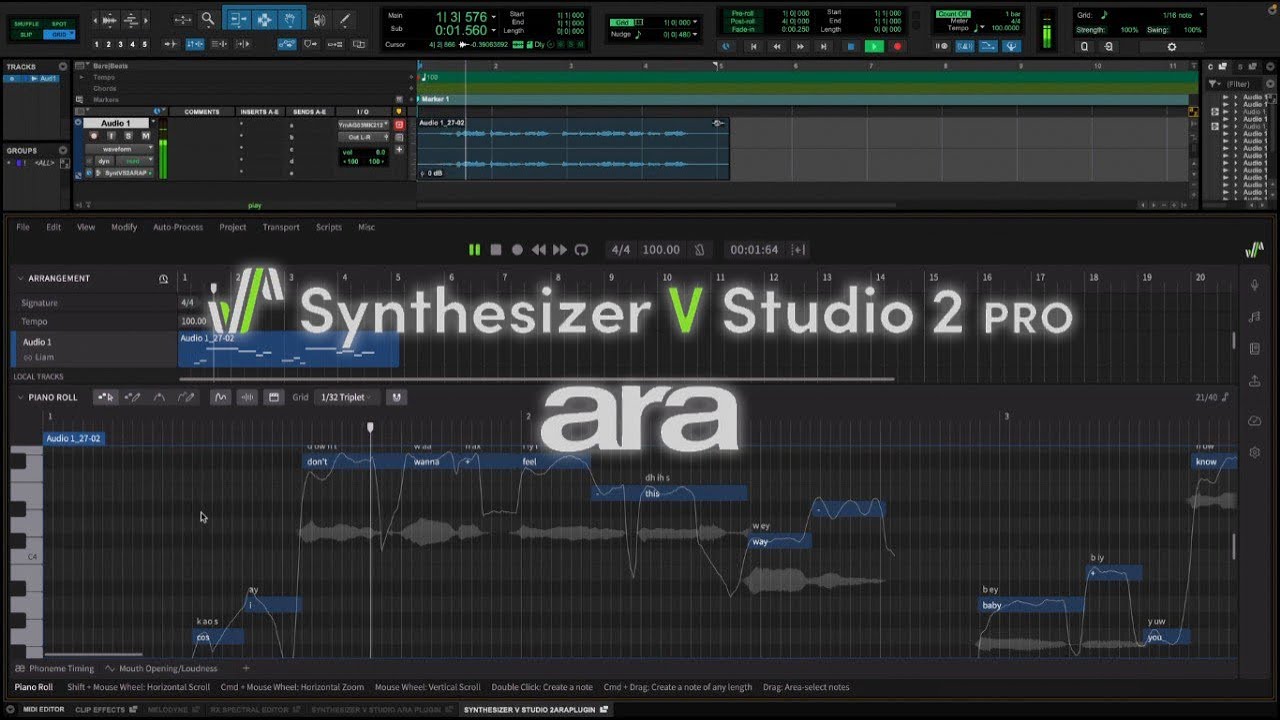
Since Synthesizer V’s piano roll allows you to enter lyrics on each note, it’s easy to visualize a full song taking shape. This tutorial explains how you can transform your lyrics into lifelike vocals with it.
Ready to give it a shot? Start by picking a theme and writing down your ideas in prose on a piece of paper. The more specific, the better.
Maybe a special memory, like the first time you went on vacation with your significant other. Or something more philosophical, like an ongoing struggle with anxiety. After a few paragraphs, you’ll likely come up with several phrases that can be rearranged in song form. You may even stumble upon a phrase that becomes a key part of the chorus or drop in your next track.
Stream of consciousness is also effective. You can aim to write fast, broken sentences that set the scene and outline the characters. This is a great way to introduce imagery to your lyricism, which often leads to lines with double meaning.
As the song structure becomes clearer, you can assign the lyrics to the sections they make the most sense in. For example, songwriters often make their point in the choruses and get into the details of the story in the verses.
Some electronic and pop tracks revolve around drops: repeating phrases that hook the listener in can replace choruses. These phrases may even be disconnected for as long as they’re used to call back a previously introduced theme.
A good example of this is in the drop of my melodic dubstep collaboration with ILLENIUM and Said The Sky, “Drop Our Hearts, Pt. 2.” The lines “you and I” and “drop our hearts” are strategically placed to interact with the bass, which takes center stage.
Building Vocal Hooks
Vocal hooks in drops tend to emerge at the tail end of an 8-bar or 16-bar-long event. Just a few words with a simple melody are all it takes to make them work.
In tracks with this type of structure, there can be a verse, then a drop, and a verse again. Or perhaps a verse, pre-chorus, and then a drop. Some pop-leaning electronic tracks have traditional choruses but still benefit from one-liner vocal hooks in the outro sections.
Because genres like EDM and pop are all about getting the audience to engage and react, tasteful repetition is the name of the game. Using the same melody for both the verse and chorus would be inadvisable in a country song. But in a dance track, it can be the secret ingredient that brings the entire recipe together.
The vocal melody in Rihanna’s collaboration with Calvin Harris, “We Found Love,” is as simple as it gets. But that’s exactly why every time the vocals come in, listeners are ready to sing along. The instrumental and vocal writing synergistically invoke the same euphoric emotion.
If you’re new to designing catchy vocal hooks with Synthesizer V, start by analyzing the song structure of your references. How many bars are there in the verse? Does the track start with a snippet of the chorus? Each time you dig in for answers, you’ll gain clarity in your songwriting. You may even begin to notice certain patterns.
For example, in most genres, melodies typically fall in a lower register in the verses than they do in the choruses. But occasionally, writers divert expectations, like in Katy Perry’s anti-chorus hit, “Dark Horse.” Though there are no hard and fast rules, all good songs have one thing in common: they make you listen with anticipation.
Taking this lesson to heart, record or sketch out your hook note by note with Synthesizer V. Even if you don’t feel comfortable singing your ideas yourself, having access to multiple voice banks and vocal modes can help expand your creativity. You can adjust or even automate each parameter to control the emotion and dynamics of the performance as you go. This kind of creative control is often rare to come by, even when communicating with session singers in the studio.
Using Choir Vocal Samples
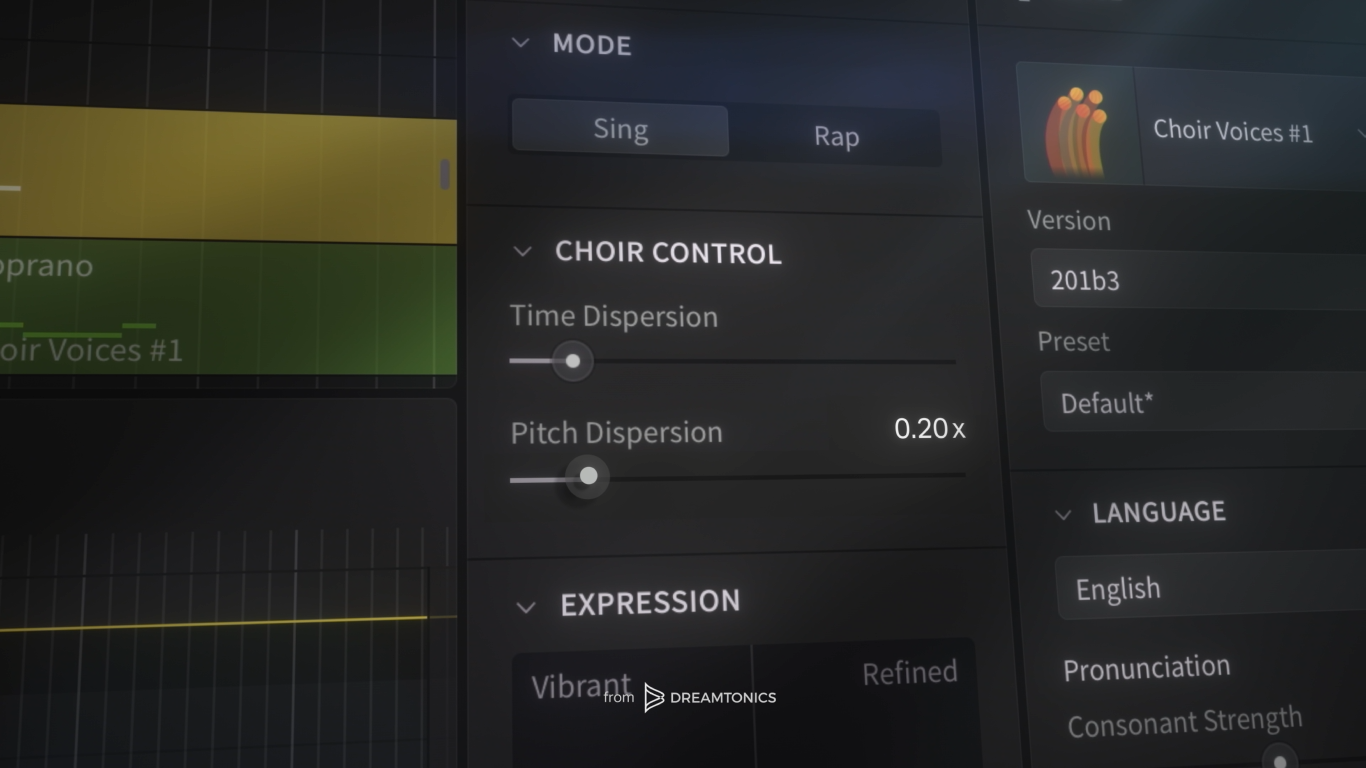
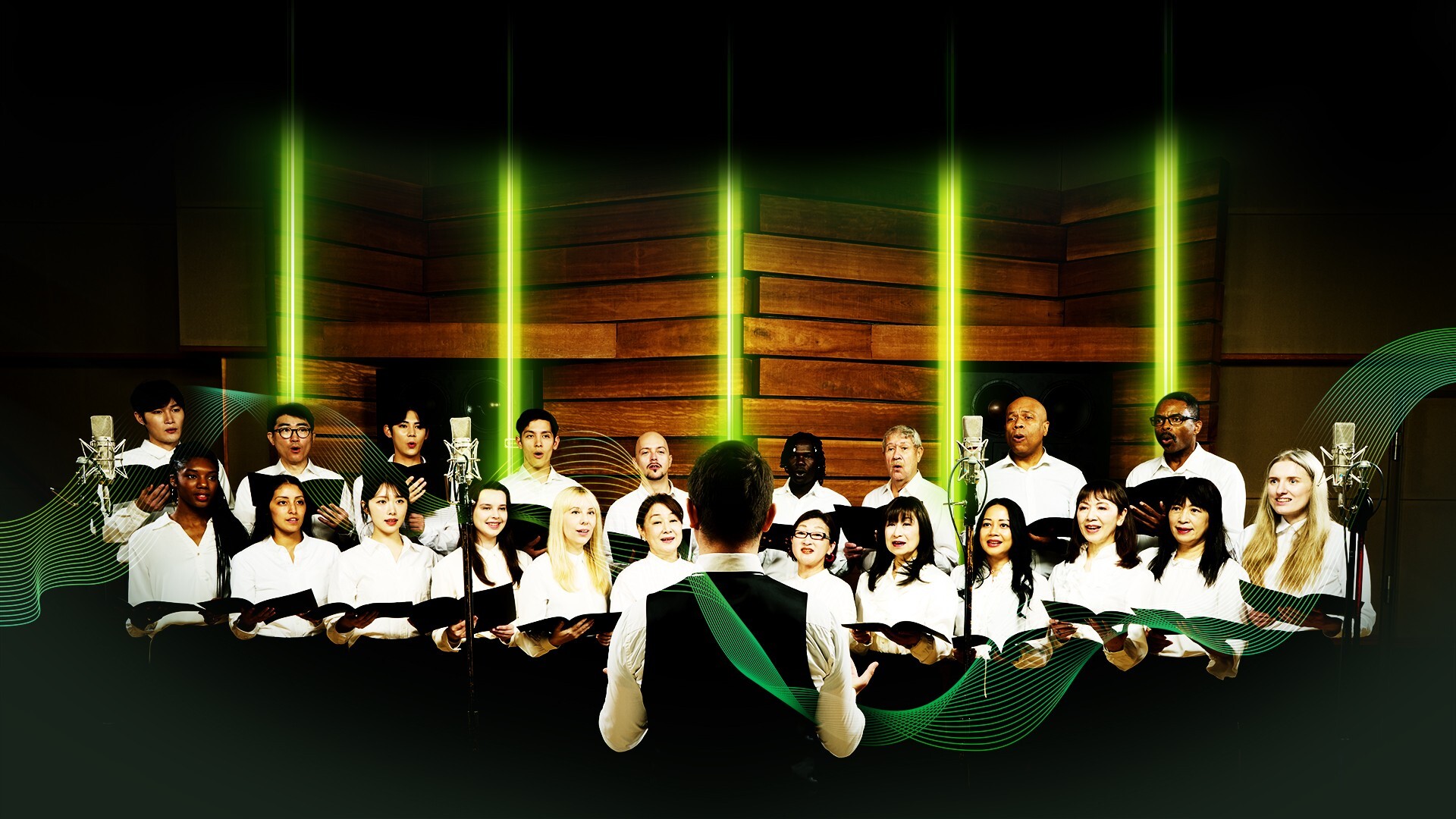
Once you’ve sketched your topline, you can expand your arrangement by adding backing vocals. Recording a choir in the studio is expensive, and using readily available choir vocal samples is hardly flexible. But with Synthesizer V’s Choir Voice Collection, you can program custom choirs that follow what you write: lyric by lyric, note by note.
This is a game-changer for film music composers and choral arrangers. But in modern music, too, choir vocals have a role.
For example, in a pop track, you can layer a four-part SATB choir behind the lead vocal and make it bigger or smaller throughout the arrangement using the Unison panel. For a dance track, a cluster of soprano voices with light reverb can create an airy pad that complements the synths and strings.
One key factor to keep in mind: the more complex your instrumental arrangement is, the simpler the choir parts should be. Sometimes, it’s better to create a two-part harmony and multiply the choir voices for maximum choral impact.
Mixing Tips for Custom Vocal Samples
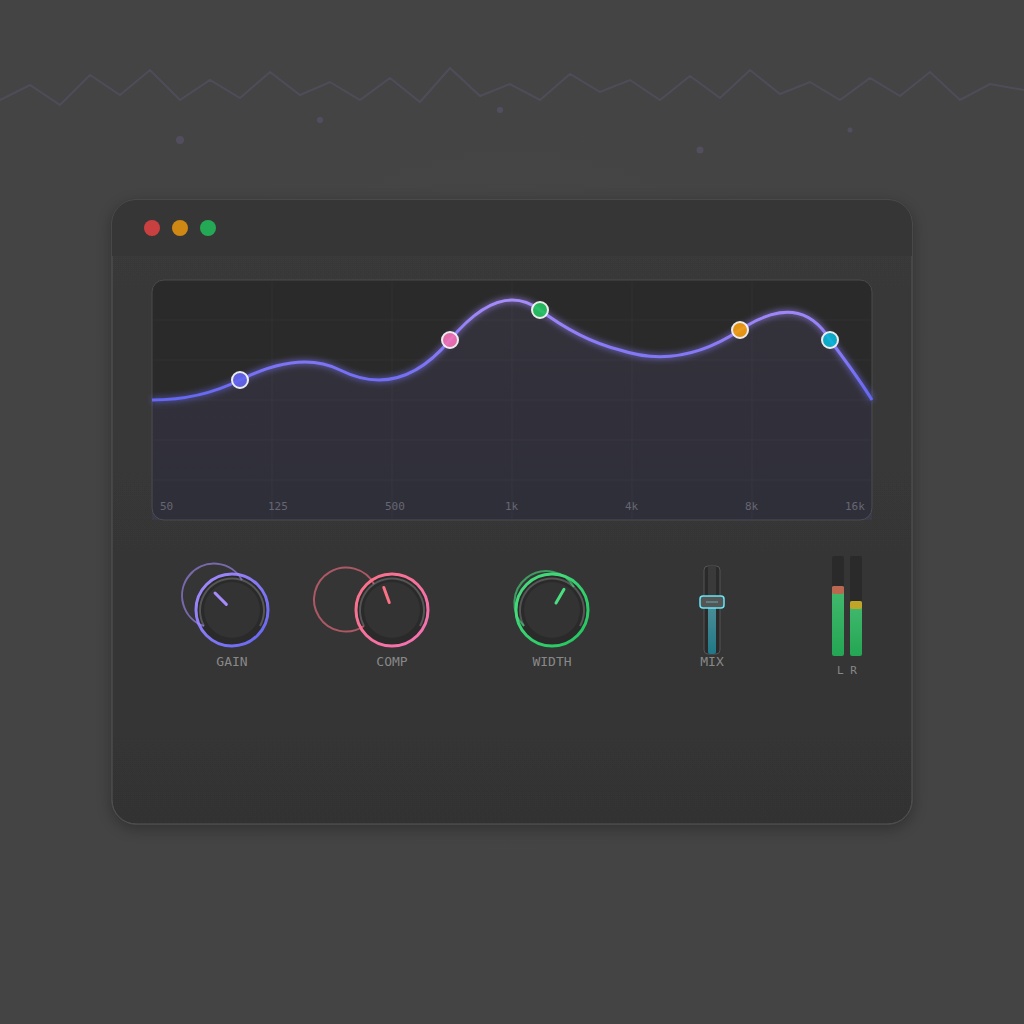
Toplining an instrumental track isn’t as straightforward as singing with an acoustic guitar. Dry vocals, especially when layered, rarely sit well in a full arrangement, especially in broad genres such as electronic, pop, and R&B. Reverb and delay are key effects to help vocals melt into any mix, whether bright, dark, synth-laden, or acoustic. Even in the early stages of writing, having a vocal chain ready can help speed up your workflow.
What you include in your chain depends on the style of music you’re making. For example, in dense productions, compressing vocals can help them cut through the mix. If other instruments dominate the midrange, you can adjust the vocals to be thinner and brighter to achieve balance.
It’s also important to inject movement in the mix with effects automation. Sometimes, even subtle delay throws can help break the monotony. This technique helped me earlier while mixing Natalie’s vocal performance. Here it is again, isolated for clarity.
The same workflow can also be applied to choir vocals, whether you’re multiplying harmonies behind a lead or weaving choral textures into an arrangement.
For instrumental producers, vocal sound design can be an afterthought. They can spend hours on fine-tuning the drums, but hit a roadblock when it’s time to polish the vocals.
With Synthesizer V, you can instantly design mix-ready AI vocals in real time. Instead of troubleshooting later, enjoy blending them with the rest of the layers using the audio effects in your DAW.
For more in-depth advice on mixing vocals across genres, check out our guide on Best Vocal Plugins for a Pro Vocal Chain.
To design original vocal samples with Synthesizer V Studio 2 Pro, start your free trial today!