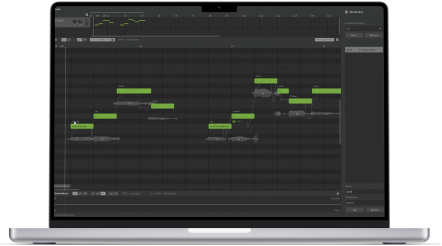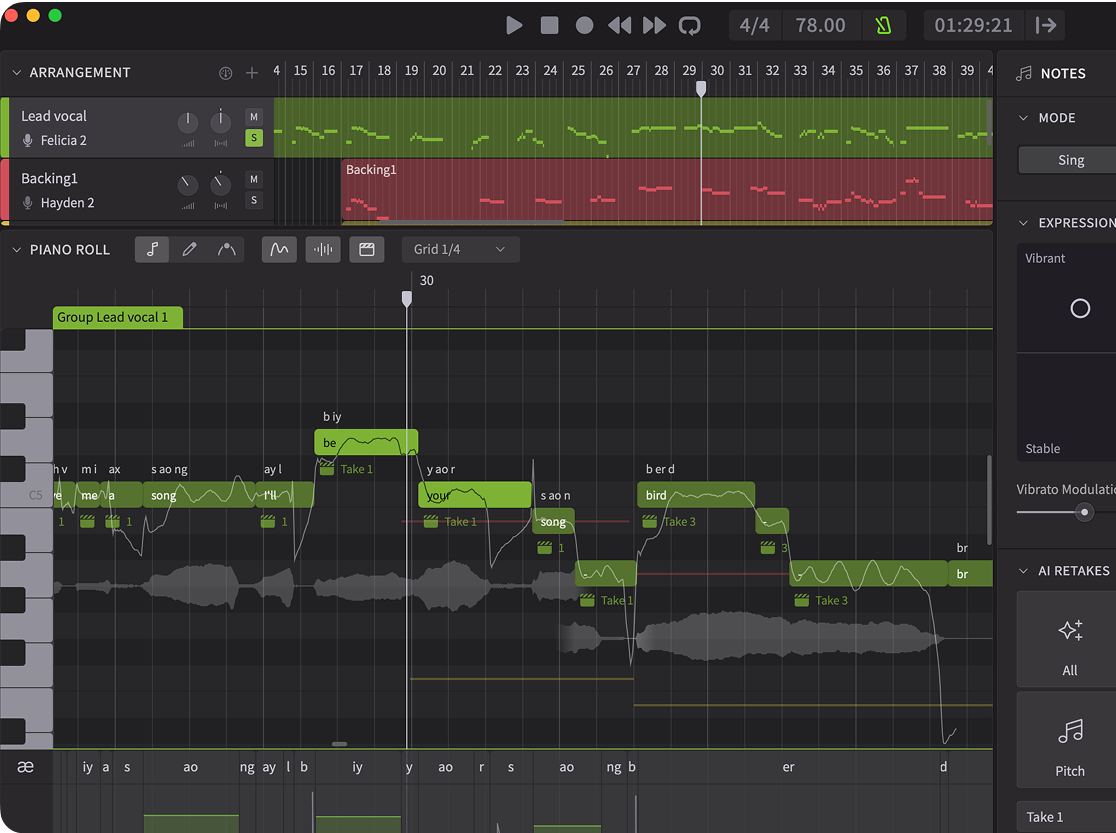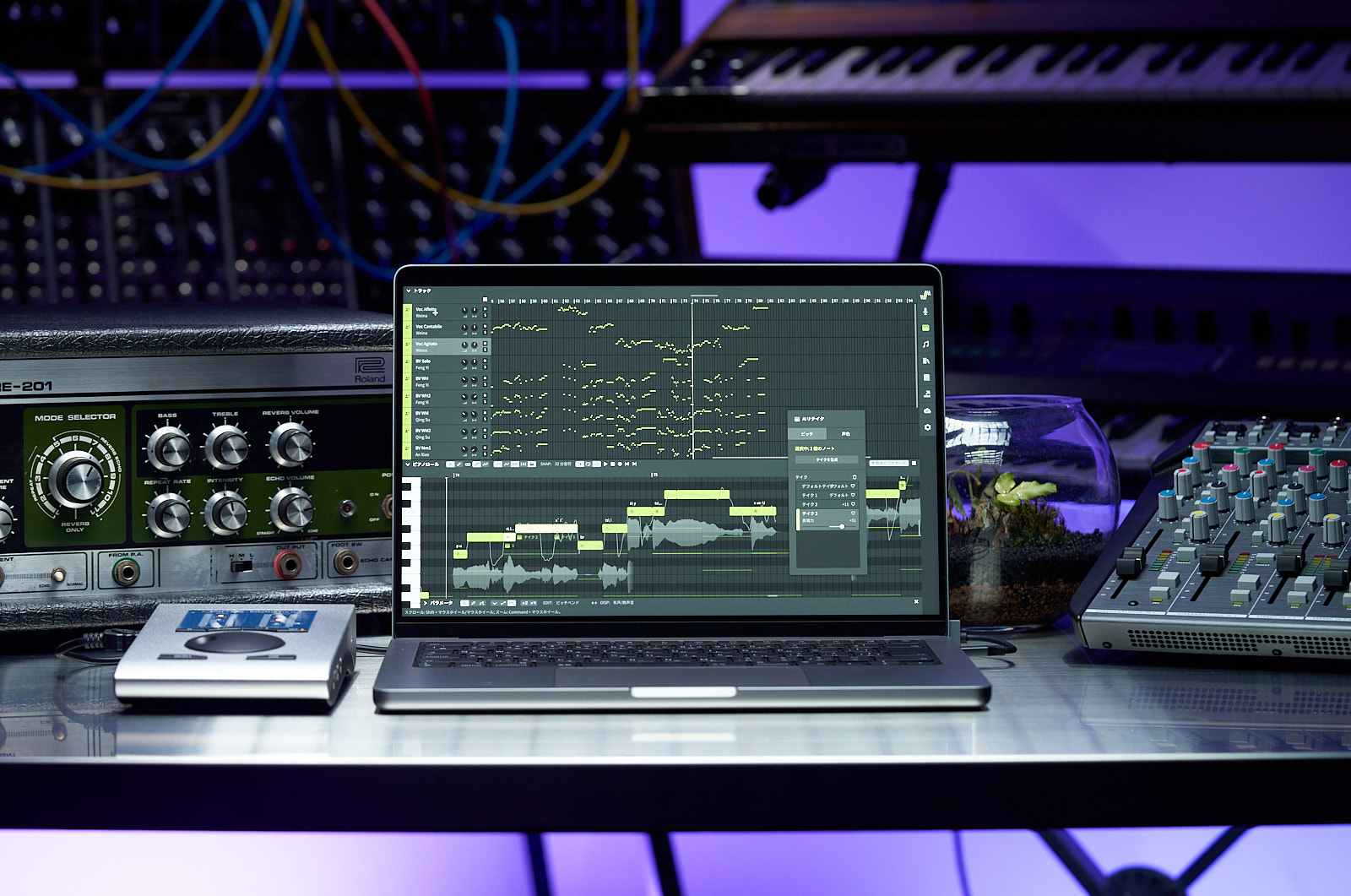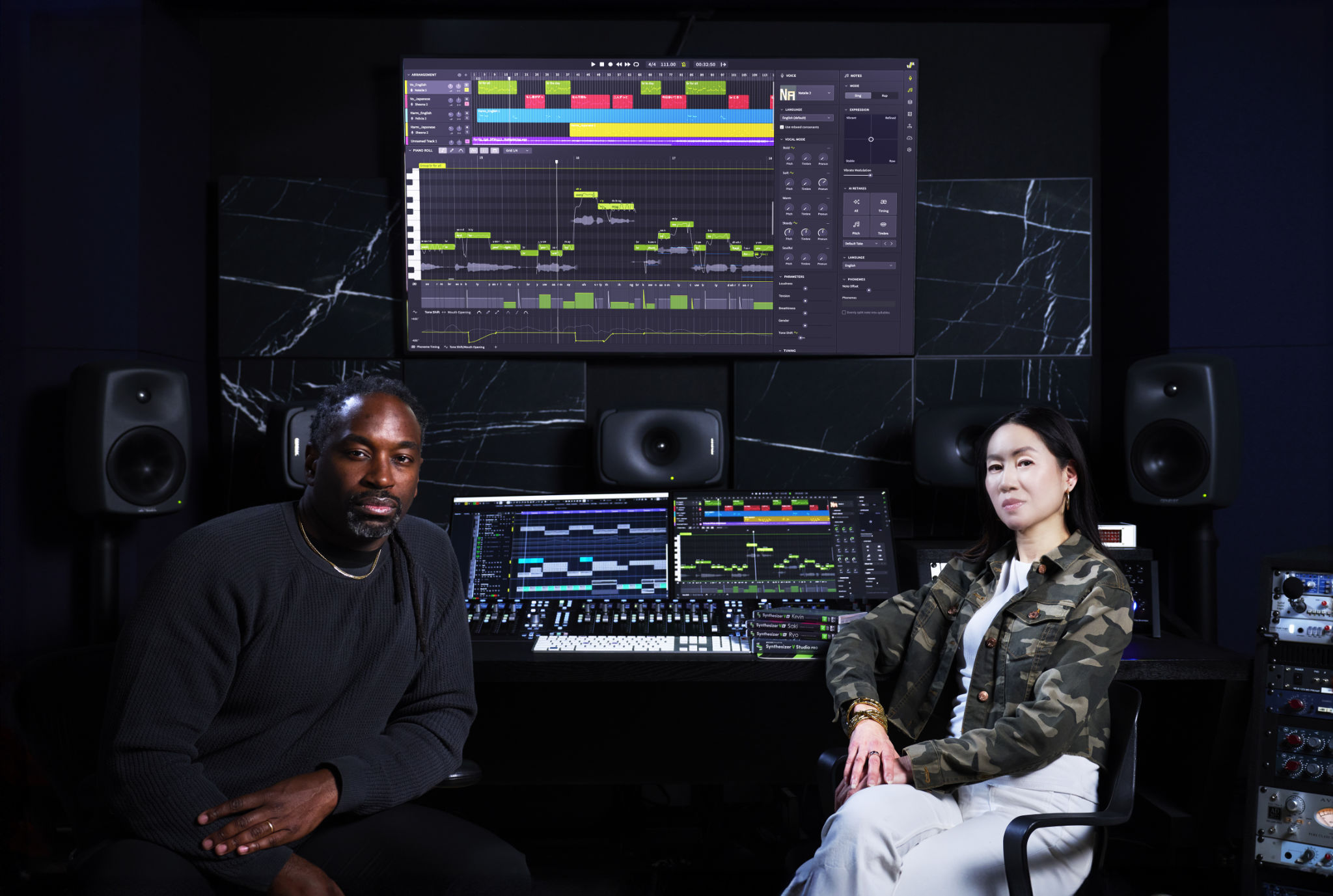


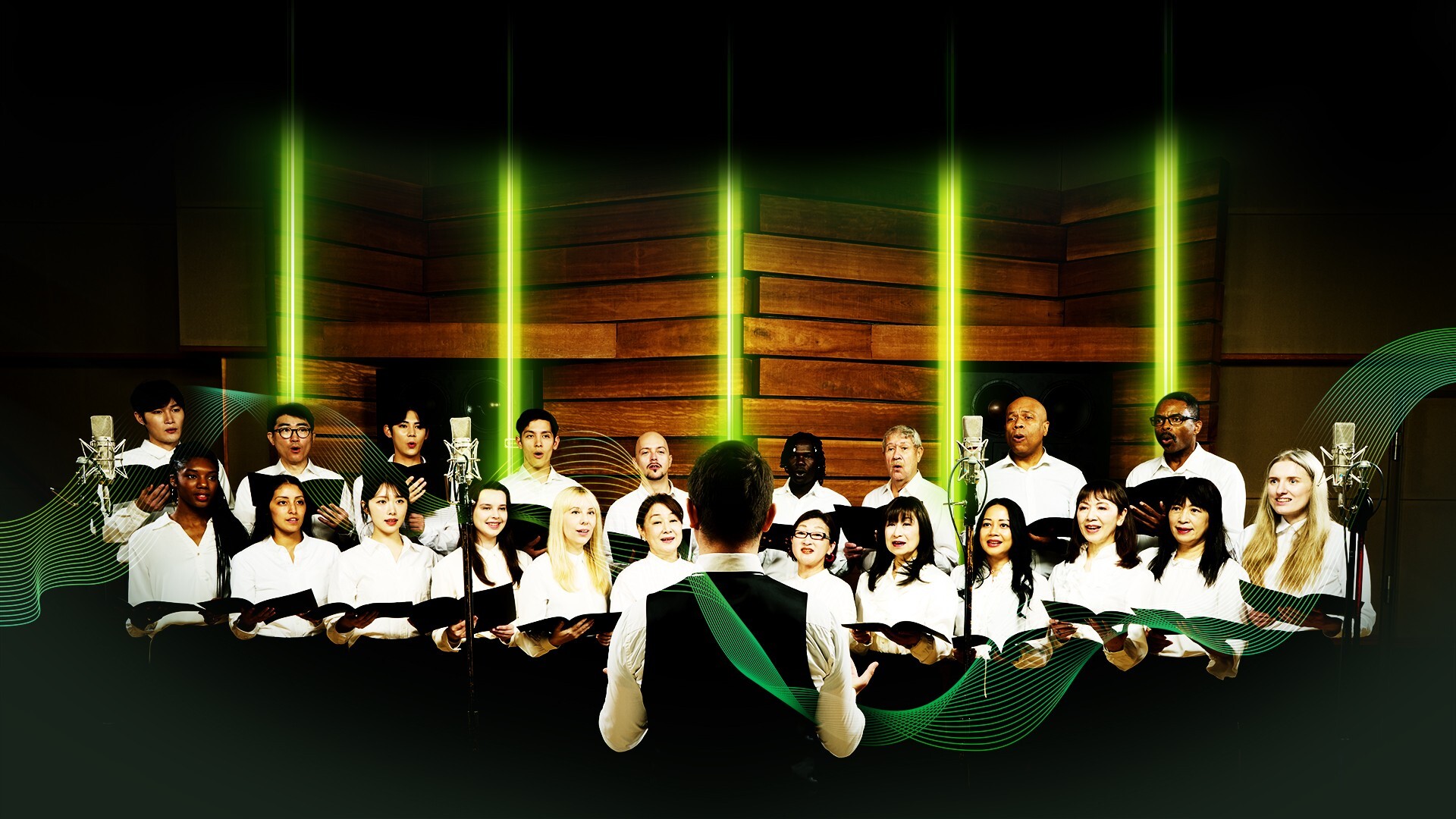

Dreamtonics has announced the release of its highly-anticipated Choir Voice Collections, alongside a version 2.2.0 update for Synthesizer V Studio 2 Pro.
After two years of intensive research and meticulous recording processes, these premium-quality, expressive, and easy-to-use collections for use within Synthesizer V Studio 2 Pro promise to redefine virtual choir creation, offering composers and music producers unparalleled realism and control.
To celebrate, Dreamtonics are offering 20% off all Choir Voice Collections from 15th January until 28th February 2026—now available for purchase on the Dreamtonics Store.
A Choir For Every Genre: Three Versatile Collections
The launch line-up includes three distinct choir voice collections, each recorded and developed to suit a vast array of musical genres and needs:
Choir Voices – Collection 1

Features Soprano, Alto, Tenor, and Bass voices perfect for gospel, worship, and backings for pop, R&B, rock, and electronic music.
Choir Voices – Collection 2

Features Soprano, Mezzo-Soprano, Tenor, and Baritone voices suited for classical, operatic, and cinematic scoring.
Choir Voices – Collection 3

Features Soprano, Alto, Tenor, and Bass voices ideal for folk, hymnal, and ceremonial styles.
Each collection includes 16 distinct solo voices (4 Sopranos, 4 Altos, 4 Tenors, 4 Basses) and supports 6 languages (English, Mandarin, Japanese, Spanish, Cantonese, and Korean).
Hybrid Modeling and Unrivaled Control
The realism of the new choir voices stems from Dreamtonics’ unique and innovative approach combining deep learning with spatial signal processing. The process involves recording full choir sections with a microphone array, dissecting them into soloists while retaining the choral timbre, and rebuilding a smart, controllable model that takes any input lyrics and scales to choirs of any size.
Furthermore, Choir Voice Collections come with intuitive interfaces and controls that empower users to fine-tune every aspect:
- Scale the Ensemble: Adjust the number of singers from 1 soloist to a 16-member ensemble. When reduced to a single singer per set, the model yields 16 distinct solo voices (4 per part), providing maximum versatility for counter-melodies or main vocals.
- Texture Shaping: Adjust Pitch and Timing coherency parameters to dial in tightness, looseness or lushness.
- Detail Nuance Control: Adds the ability for many different kinds of consonant articulation, brightness, and smoothness.
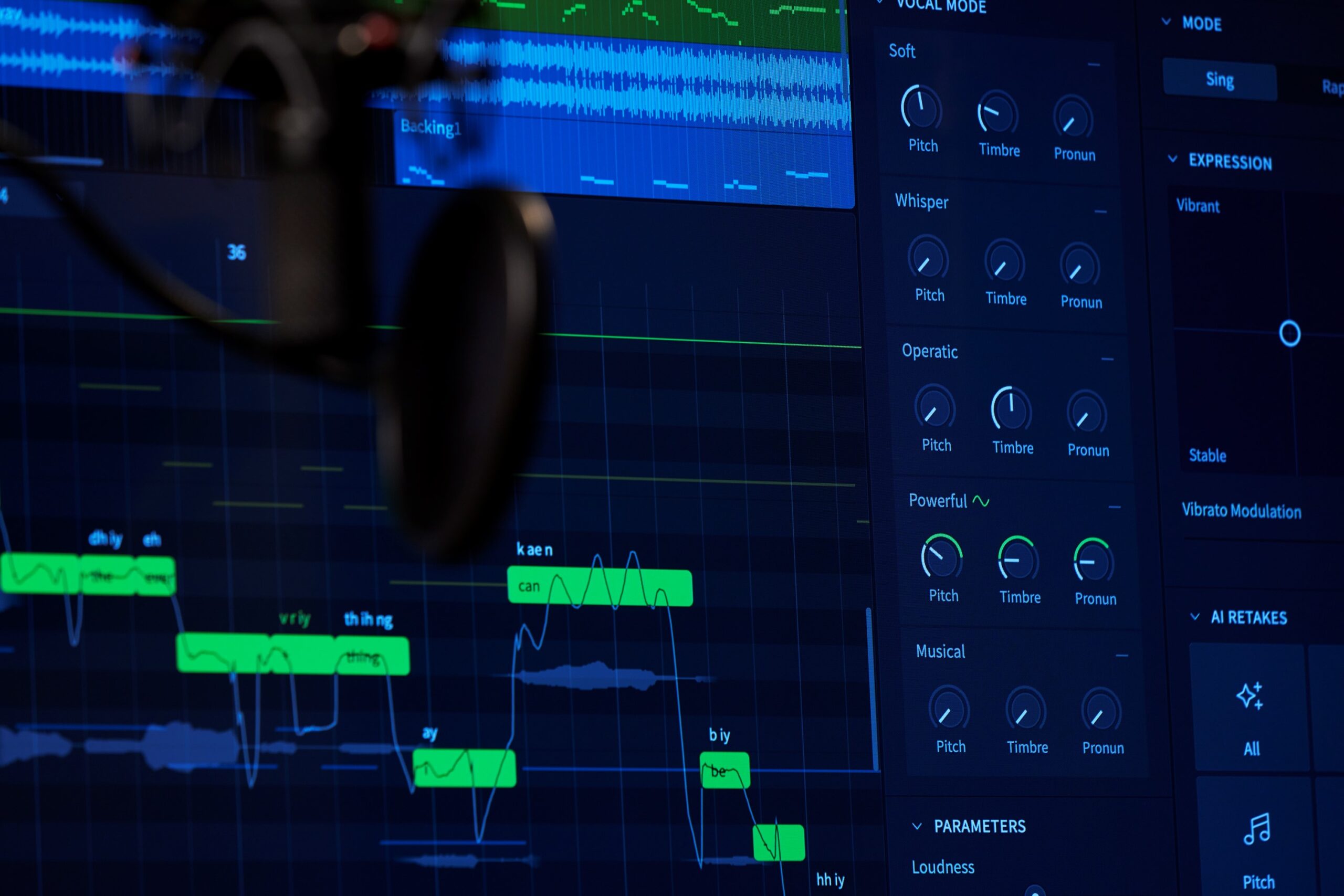
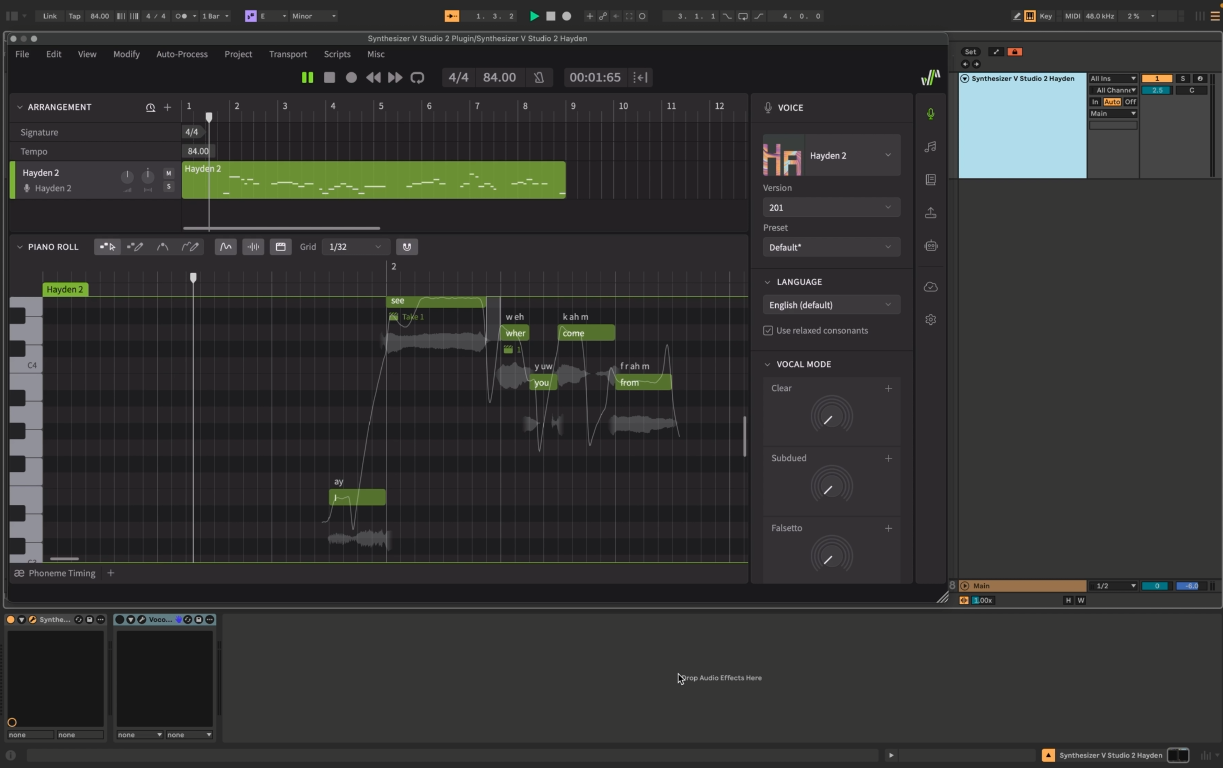
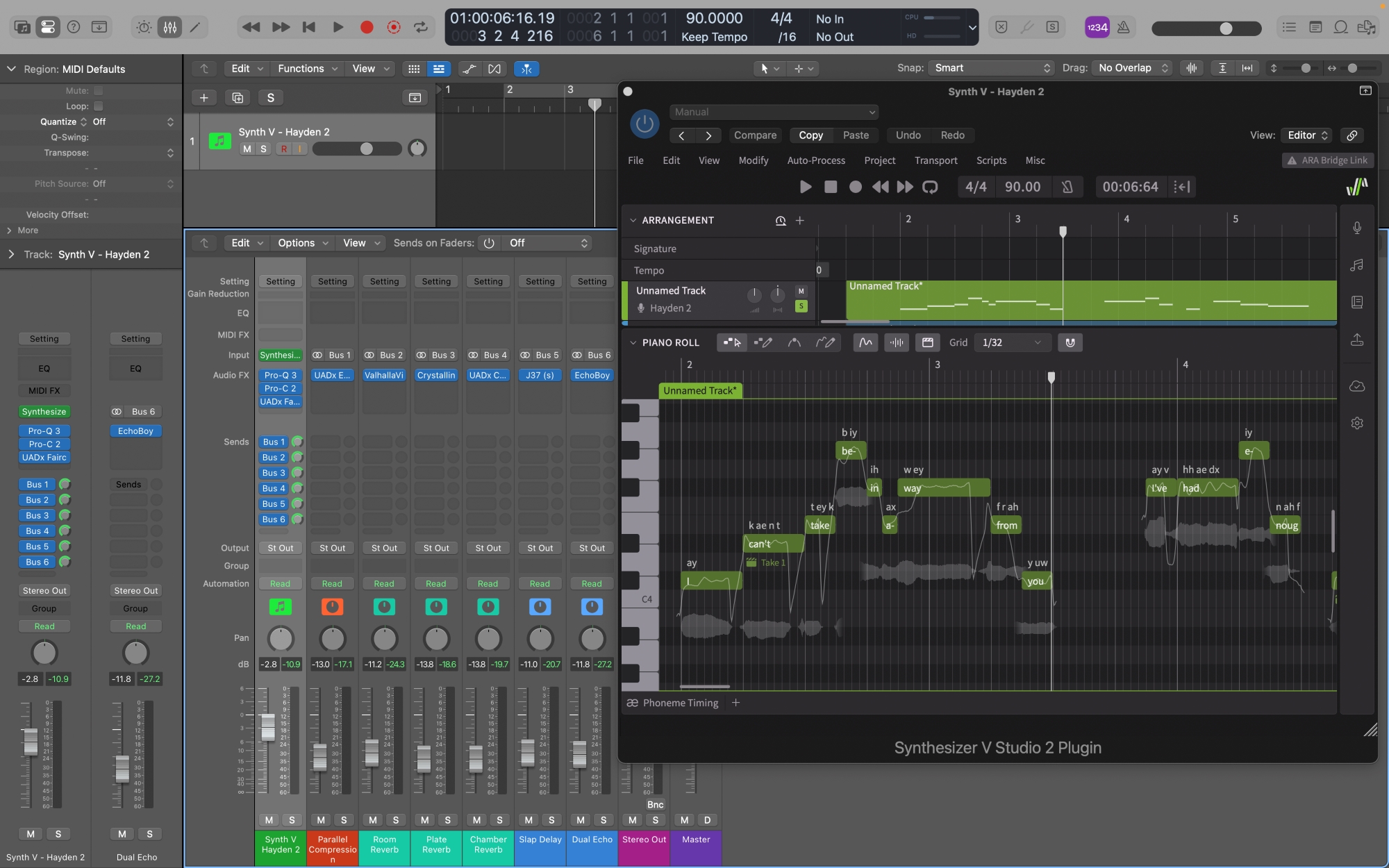
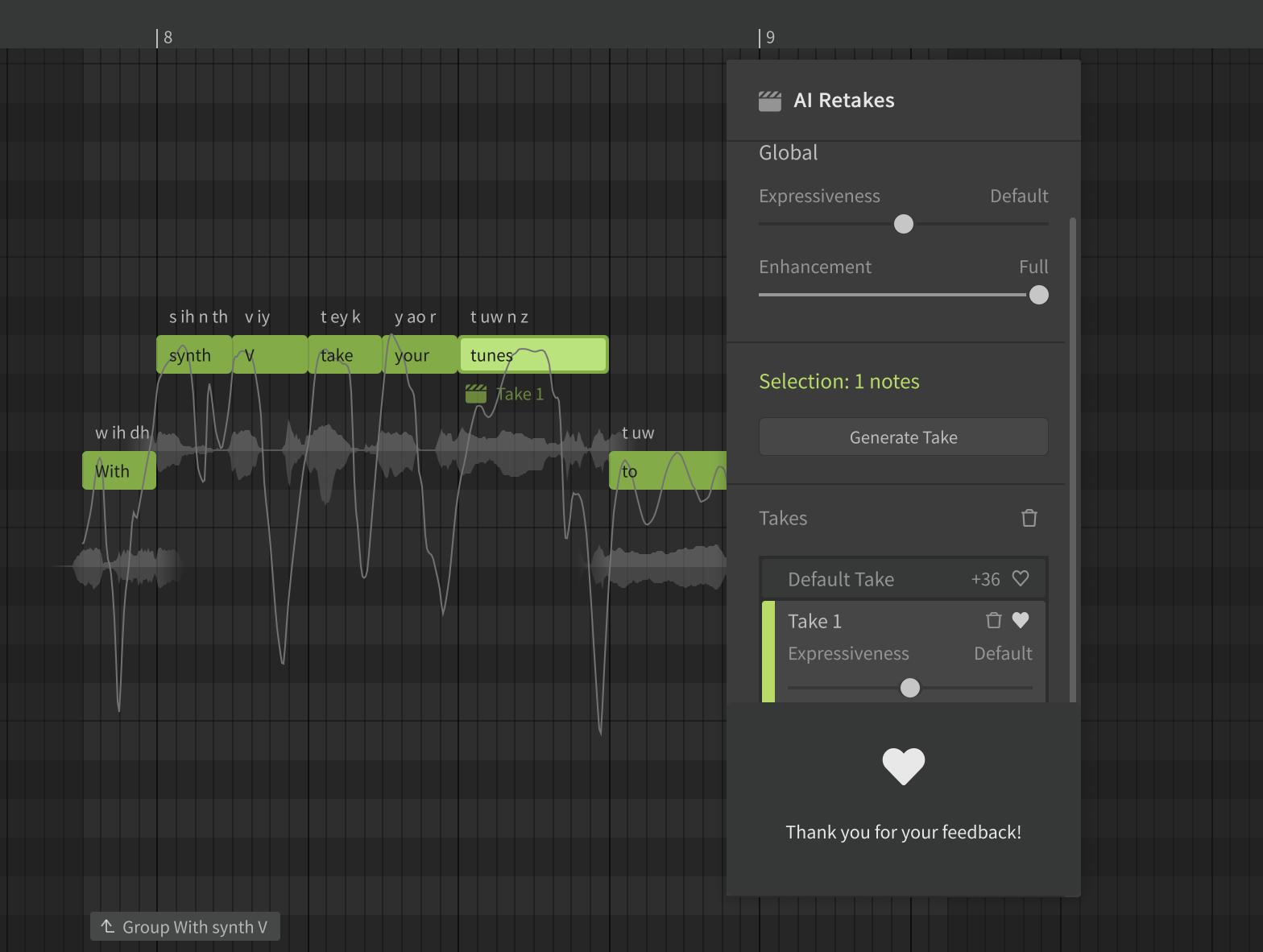
- Seamless Integration: Like all previously released Synthesizer V voices, the choir voices are fully compatible with features such as AI Retakes, Vocal Mode, Phoneme Timing, seamlessly integrated into your familiar workflow.
New Features in Version 2.2.0
Available as a free update to all users of Synthesizer V Studio 2 Pro, version 2.2.0 focuses on providing users with powerful, easy-to-use tools for creating complex vocal arrangements, harmonies, and professional-grade choral ensembles.
Users of Synthesizer V Studio 2 Pro can access this update by relaunching the program, and follow the instructions that appear in the update dialog.
Unison
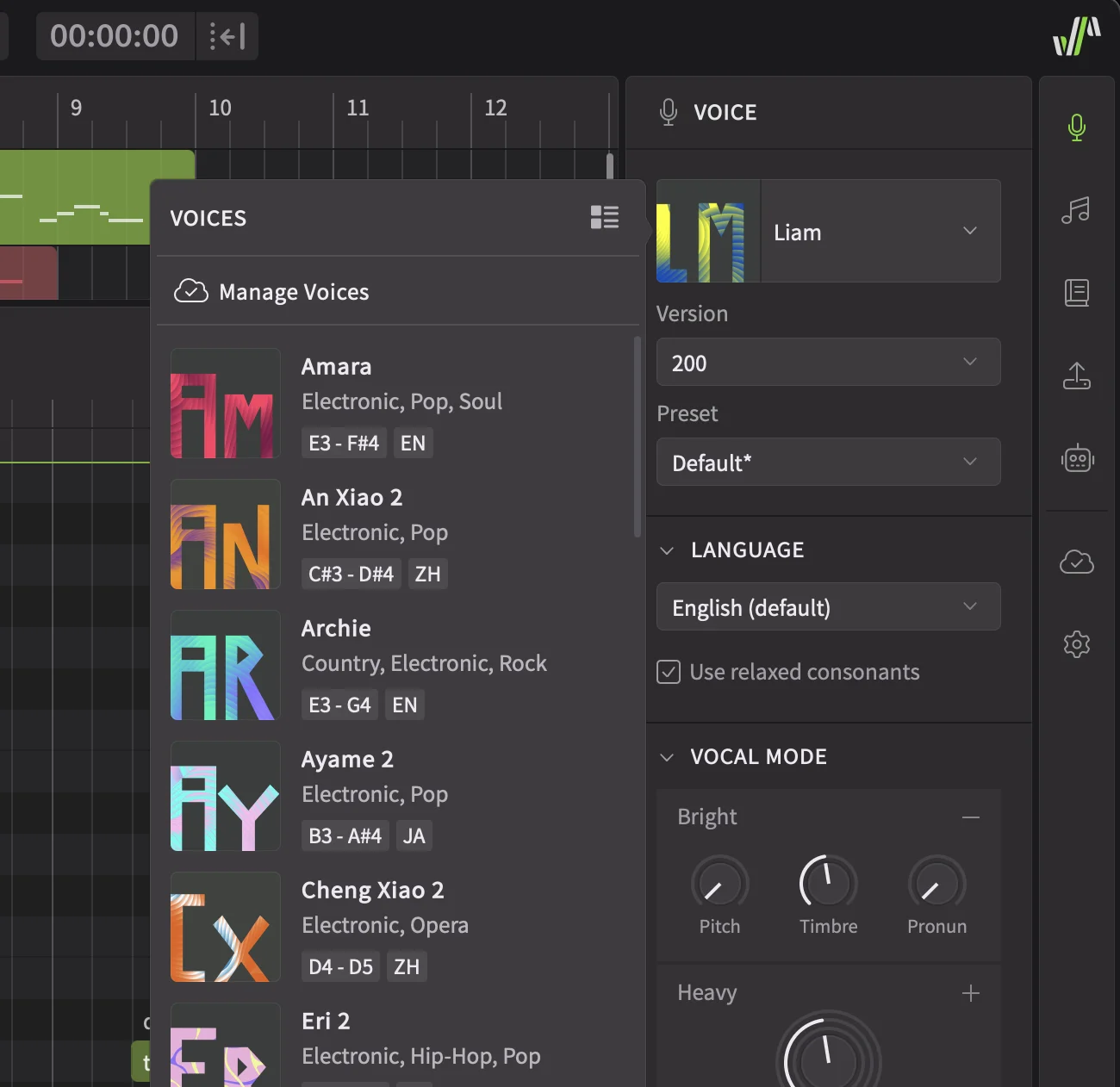
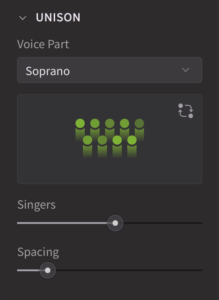
A new Unison section in the Voice panel allows for the creation of an ensemble of up to 16 voices within the same track. The “Spacing” parameter provides precise control over stereo separation, eliminating the need to manually pan multiple tracks.
Effects Panel
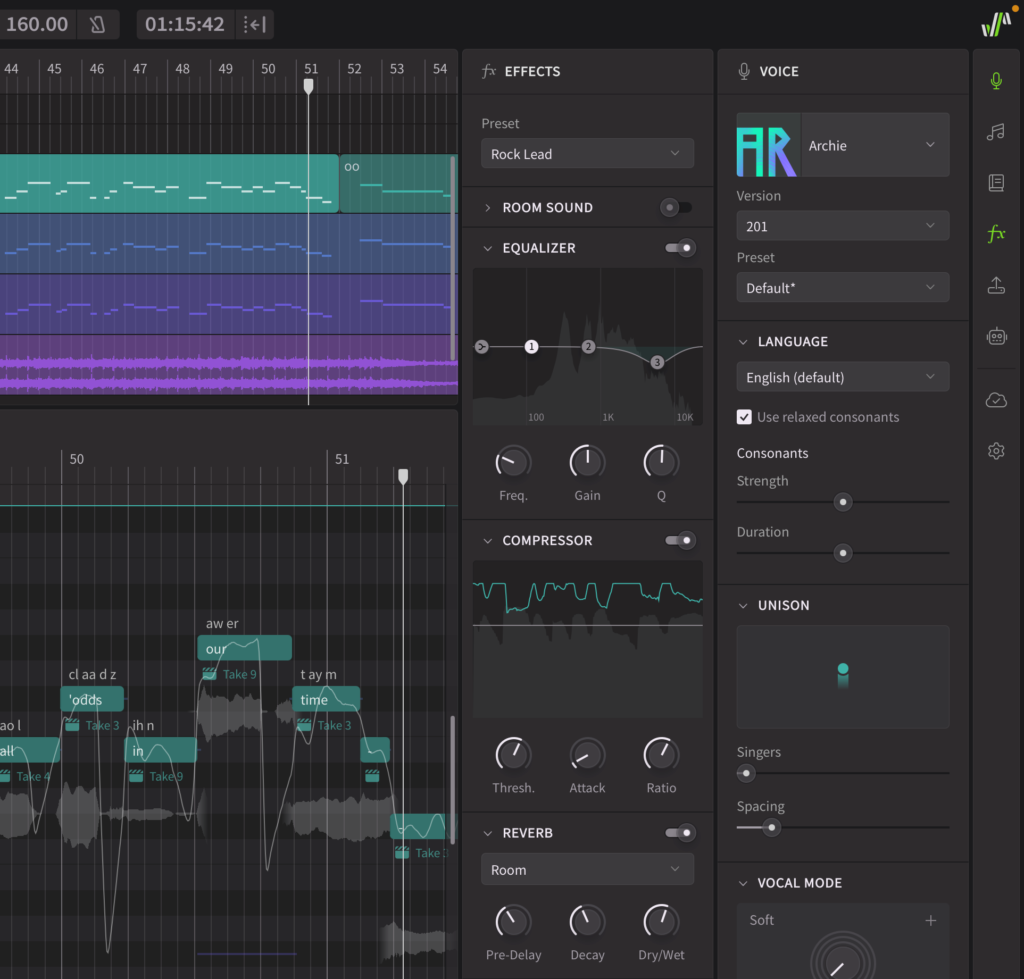
The new Effects panel features a streamlined vocal effect chain. This chain follows a standard order of EQ, compression, and reverb, providing basic mixing capabilities directly within the software. The Effects Panel is primarily intended for previewing vocal sounds and applying quick, preset-based effects – particularly useful in pre-production stages or for users who do not require a full DAW environment.
Room Sound Simulation
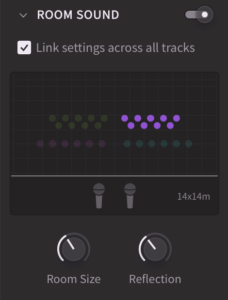
Integrated within the Effects Panel, the Room Sound simulator offers a nuanced approach to panning and spatial positioning. This simulation models sound wave reflections to create a natural stereo delay effect, enhancing the reverb characteristics and adding a sense of space to vocal performances. This feature is particularly well-suited for creating realistic multi-part choirs and achieving a warm, spacious texture.
Musical Scales
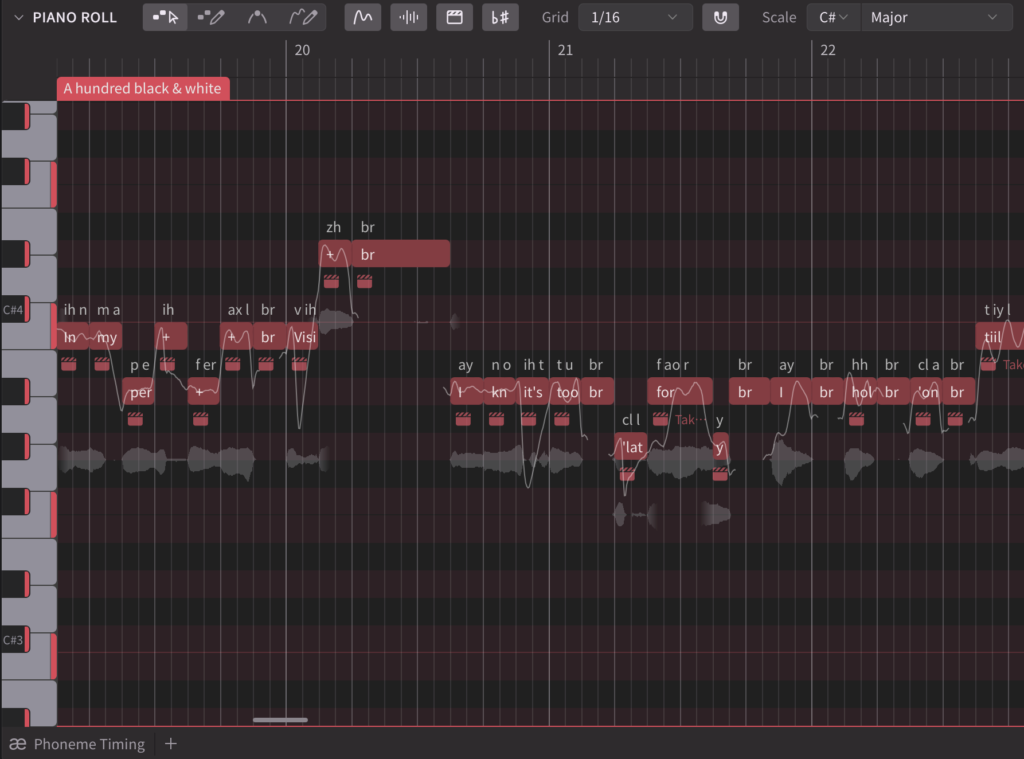
The piano roll now supports musical scale visualization. Users can set the root note and pattern via the tool bar, toggling Scale Mode to highlight notes within the selected scale on the keys and background. This feature provides a visual aid for composing and arranging within a specific harmonic context.
Musical scale settings can be applied to individual groups. To apply the same settings to multiple groups, simply select all desired groups and adjust the Scale settings within the Voice panel.
MusicXML Support
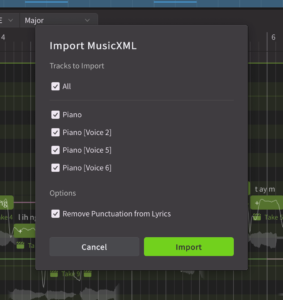
Synthesizer V Studio 2 Pro now supports importing MusicXML files, allowing users to easily transfer existing musical arrangements into Synthesizer V Studio 2 Pro. This functionality includes support for lyric data and conversion into Synthesizer V’s notation for slurs and syllable continuation.
Render Cache
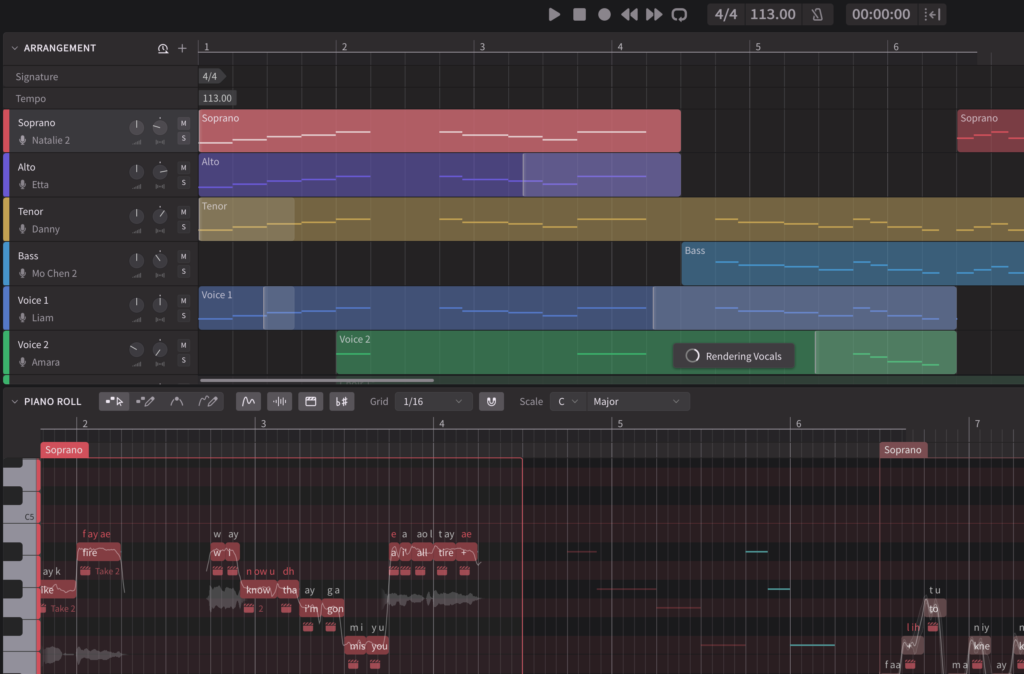
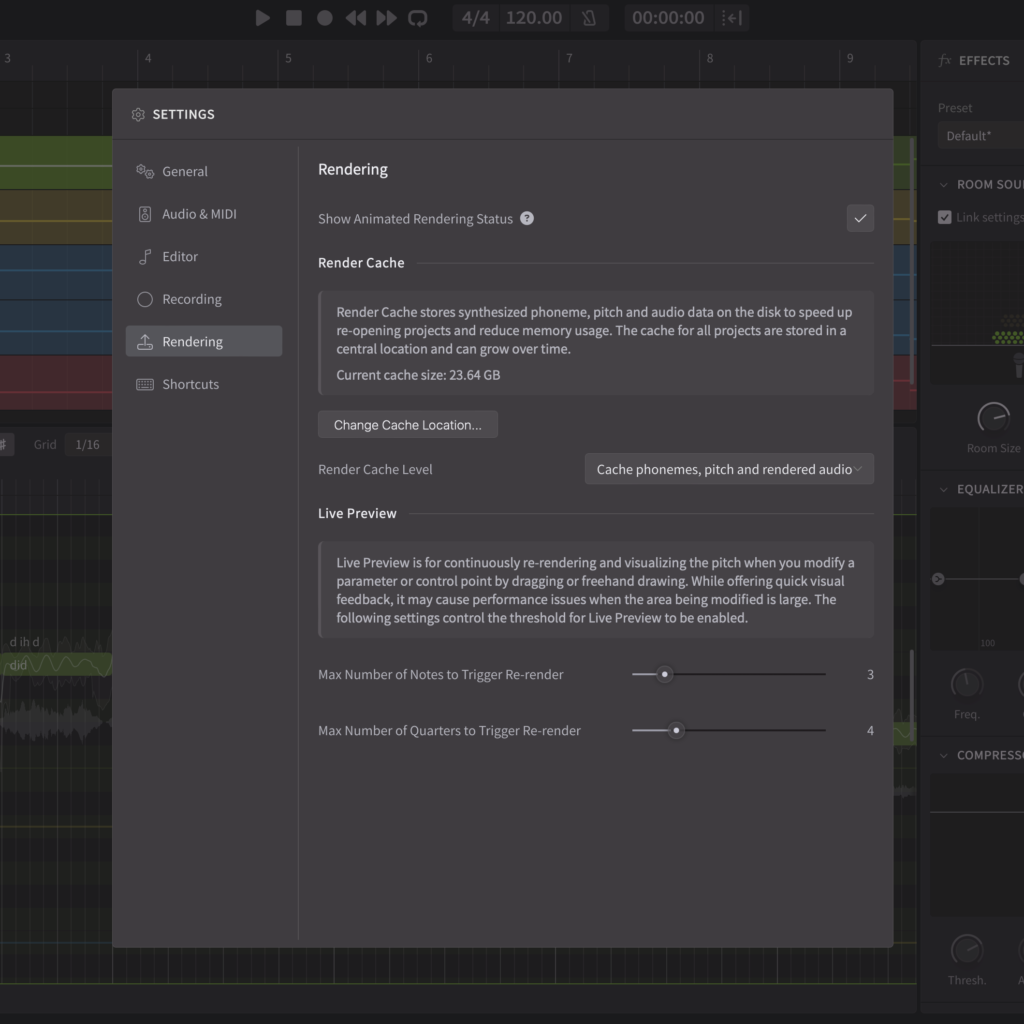
Version 2.2.0 introduces a Render Cache to significantly improve project loading times and reduce memory usage. This system stores synthesized phoneme, pitch, and audio data on disk, eliminating the need to re-render these elements upon reopening a project.
To ensure optimal performance, the cache is automatically managed. Users can monitor the current cache size within the Rendering settings.
 |
 |
Get your free, 14-day Synthesizer V Studio 2 Pro trial, plus 7-day Choir Voice Collection trials HERE.
Purchase Links
Synthesizer V Studio 2 Pro 2.2.0 (January 15th, 2025)
New Features
- Added support for choir voices and doubling for solo voices:
- Specify the number of voices and spacing between voices in the Voice panel under “Unison”.
- Added sliders under Notes panel to control the timing and pitch tightness among voices (supported by choir voices only).
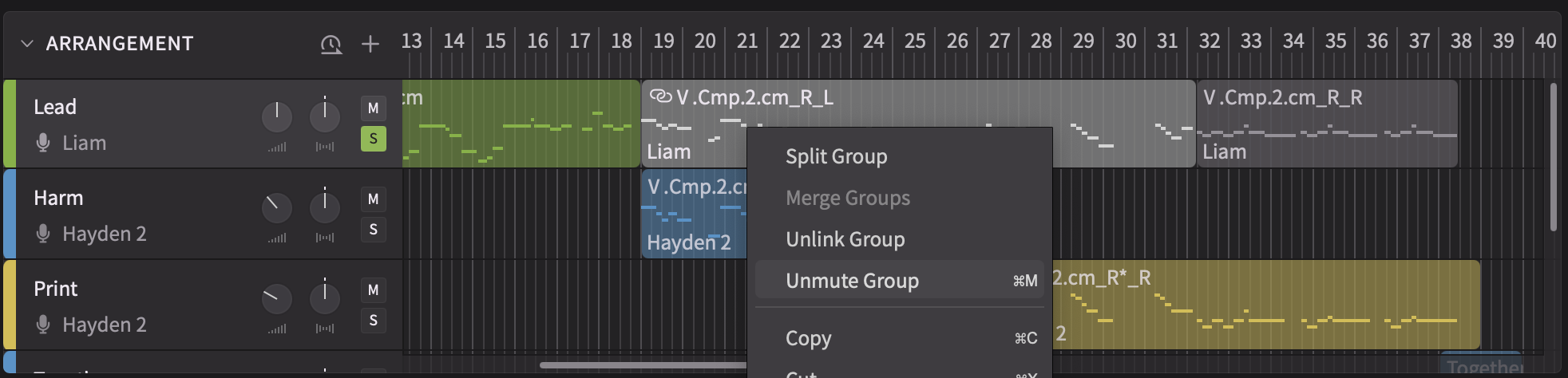
- Added a new right-click menu command for tracks that allows splitting unisons into smaller groups or individual voices.
- Added Effects panel and an effect chain (spatialization, equalization, compression, reverberation) to each track.
- Added musical scale settings to note groups:
- Turn on scale visualization in the piano roll to see key and background highlighting based on the selected musical scale.
- Alternatively, set the scale in the Voice panel for all selected groups.
- Added project import support for MusicXML formats (.mxl, .xml, .musicxml).
- Added render cache for reducing the memory footprint and avoiding re-renders when opening a saved project.
- Note: projects need to be re-saved to enable caching.
- Added options to Render panel for bypassing tracks’ gain/pan and effects during bouncing.
- Added two sliders to the Voice panel to modulate the strength and duration of all obstruent consonants within a group.
Behavior Changes
- Rearranged file menu options related to importing projects and instrumentals.
- When a note ends after the right boundary of a group, truncate the note itself instead of truncating the output sound.
Feature Enhancements
- Replaced the existing rendering progress visualization in the piano roll with a more info-rich display in the time axis and arrangement.
- Increased the hit area for dragging and resizing operations on notes, groups and phoneme boundaries.
- Unified group behavior between the piano roll and arrangement to prevent overlapping groups.
- Allow MIDI input devices to be disabled in the settings to prevent hardware conflicts.
- Improved rendering performance on AMD Zen 4/5 processors.
Bug Fixes
- Fixed crashes when changing the tempo when using the ARA plugin in certain DAWs.
- Fixed the plugin not reporting changes to the DAW when the externally saved project’s path has changed.
- Fixed some rare cases of logging out despite an offline license being enabled under an intermittent internet connection.
- Fixed changes to the settings not being saved when multiple instances of Synthesizer V Studio (e.g. both plugins and the standalone) are running at the same time.
- Fixed the irregular order of note focus when shifting through selected notes with space/tab key while the lyrics editor is open.
- Fixed the value display overlapping with the textbox when editing the value of a slider.
- Fixed random crashes when moving a group to another track.
- Fixed Voice-to-MIDI conversion results getting lost after undoing and then redoing the change in the standalone and instrument plugin.
- Fixed the incorrect decimal padding in the project time counter when the last two digits are below 0.1 secs.
- Fixed crashes when duplicating a track whose name starts with “+”.
- Fixed group muting not working in ARA synced tracks.
- Fixed failure to redo Voice-to-MIDI conversion after undoing the operation.
- Fixed zoom ratio displayed in the parameter panel not updating when switching between Pitch Deviation, Loudness and Vibrato Envelope parameters.
- Fixed missing Vocal Mode options when the group has a version of the voice that is not installed on the current device.
- Fixed noises at the beginning of bounced tracks when using the plugin versions.
- Fixed mixer parameters not properly initialized in the first few hundred milliseconds of a project during playback.
- Fixed inability to open an SVP file by double clicking when the standalone is already running on macOS.
- Fixed wrong opacity of the waveform when a group contains muted notes.
- Fixed an edge case where a note can be created outside a group.
- Fixed onboarding screen not loading when the standalone and AAX-ARA plugin are simultaneously open on Windows.
- Fixed ARA plugin crashes when changing the tempo in Cubase under specific conditions.
- Fixed ARA plugin crashes when deleting the time selection in Cubase.
- Fixed dialogs centered on the wrong monitor when using the plugin on a multi-monitor setup.
- Fixed right-click menus showing at the wrong position when using the plugin on a multi-monitor setup on Windows where each of the monitors has a different scaling factor.
- Fixed some cases where groups could be dragged and resized past the left edge of the timeline and out of view.
- Fixed incorrect group pasting behavior on imported projects.
- Fixed a bug where pitch controls could not be area-selected after certain mouse dragging operations.