Follow us


©2020-2025 Dreamtonics Co., Ltd. All Rights Reserved.

Follow us
©2020-2025 Dreamtonics Co., Ltd. All Rights Reserved.
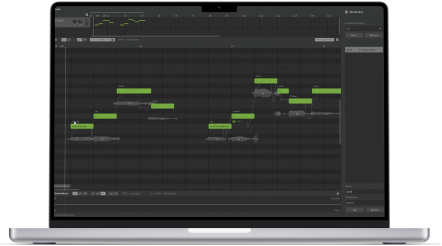

We have created this guide to help you when upgrading and migrating from version 1 to version 2 of Synthesizer V Studio Pro.
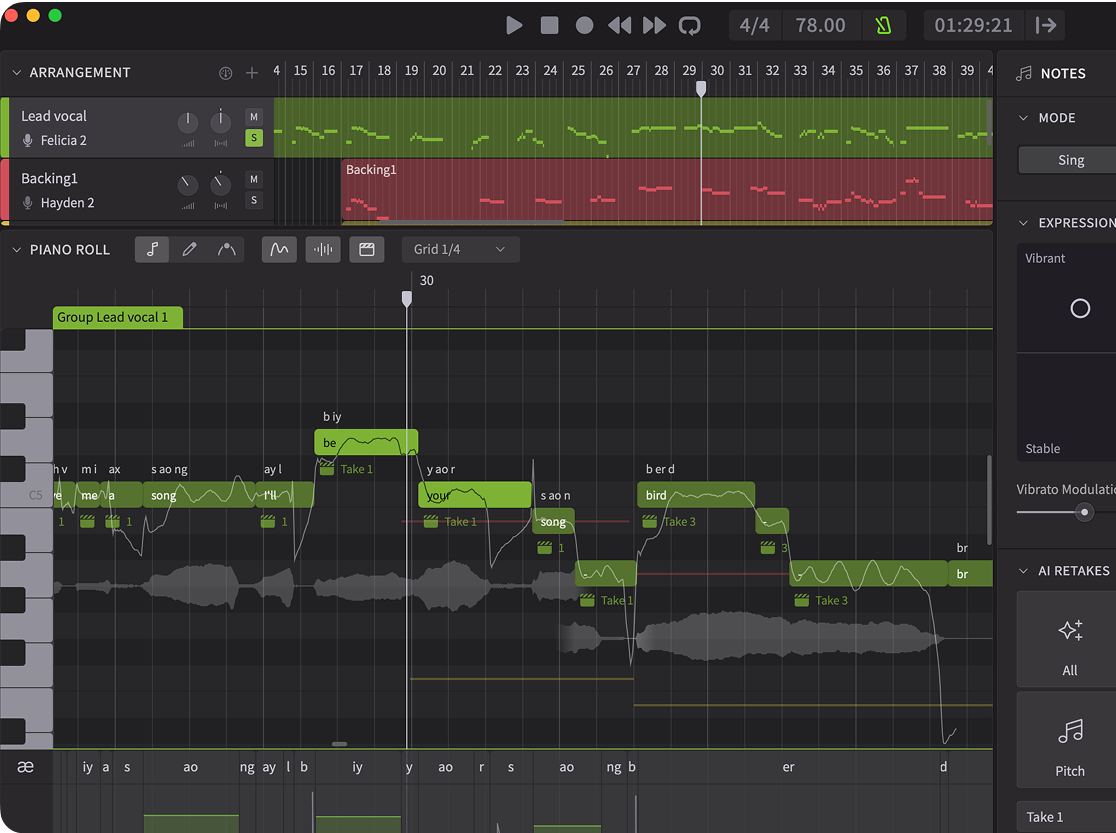
In Synthesizer V Studio 2 Pro, notes can no longer be placed directly on each track. They need to be inside a group. This is for organizing the workspace and standardizing the behavior across our standalone and plugin versions of the software.
Version 2 introduces several improvements to all group-related workflows. Firstly, a group will now be automatically created when you create a note on any new track. You can also create a new group by double-clicking on the arrangement. By right-clicking a group in the arrangement and choosing the Split command, you can also split a group at any point in the group.
A practical advantage of working with groups is that you can divide a track into more manageable chunks of notes and assign a different set of Vocal Modes to each chunk. This gives you more flexibility to transition between different singing styles, without going as deep as a typical automation process.
Synthesizer V Voices upgraded to version 2 offer more distinctive styles and granular Vocal Mode controls. You may often find one of the Vocal Modes giving a more ideal sound than those achieved by the common parameters (e.g. tension and breathiness).
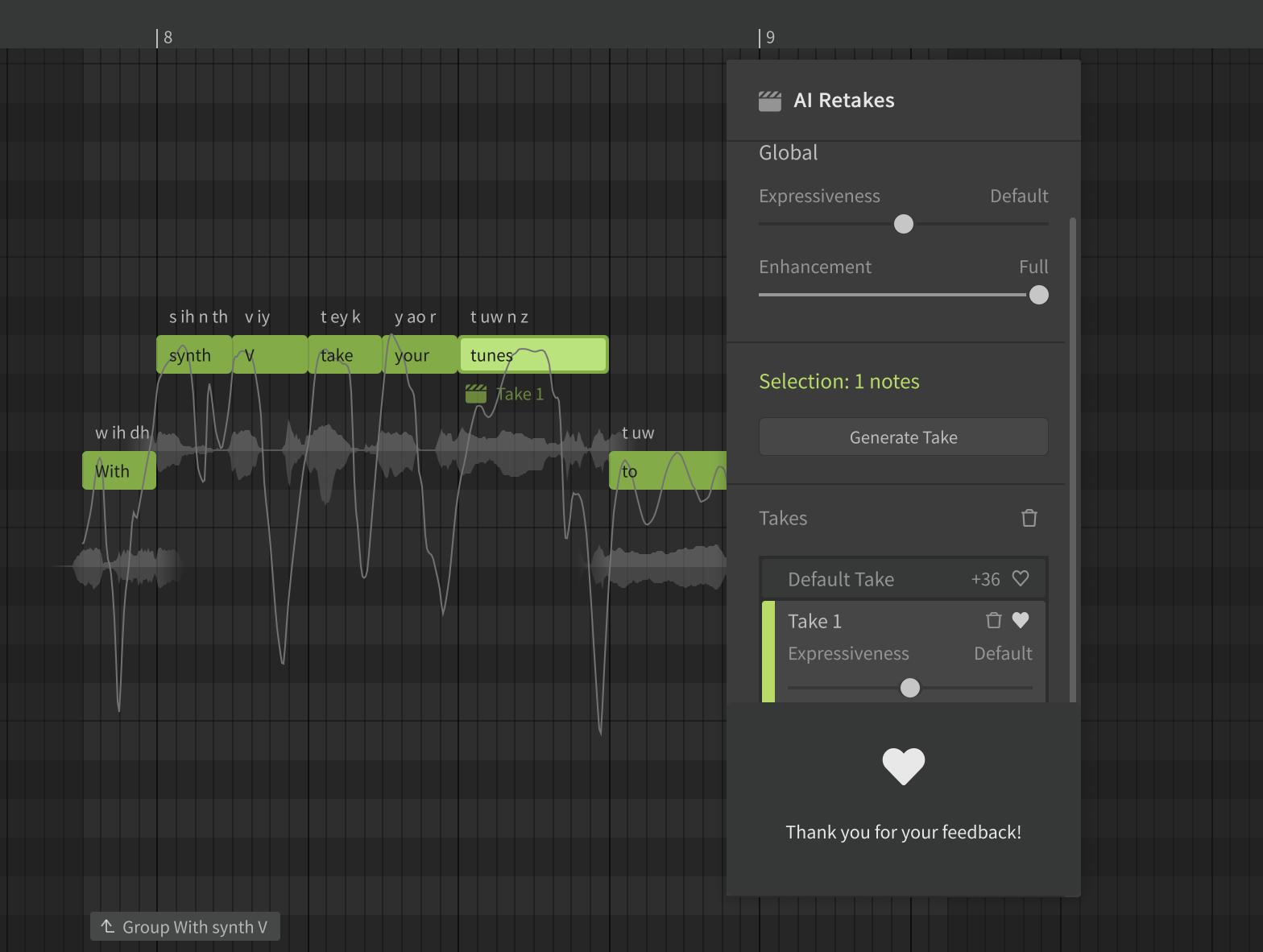
AI Retakes, especially when single-clicking the ‘All’ button, now have a much stronger effect on the voice than version 1. In addition, the default take tends to be more stable than the new takes. This means that you’ll often find the voice sounding more dynamic and natural after a few retakes.
Synthesizer V Studio 2 Pro removes the Manual Mode from version 1 and replaces it with the new Smart Pitch Control features. But better yet – we’ve provided alternative methods to support your workflow:
Sometimes it’s desirable to prevent the pitch curve from being affected by further re-renders. For example, if you might want to trace the pitch generated based on one voice, and reuse the same pitch after switching to another voice.
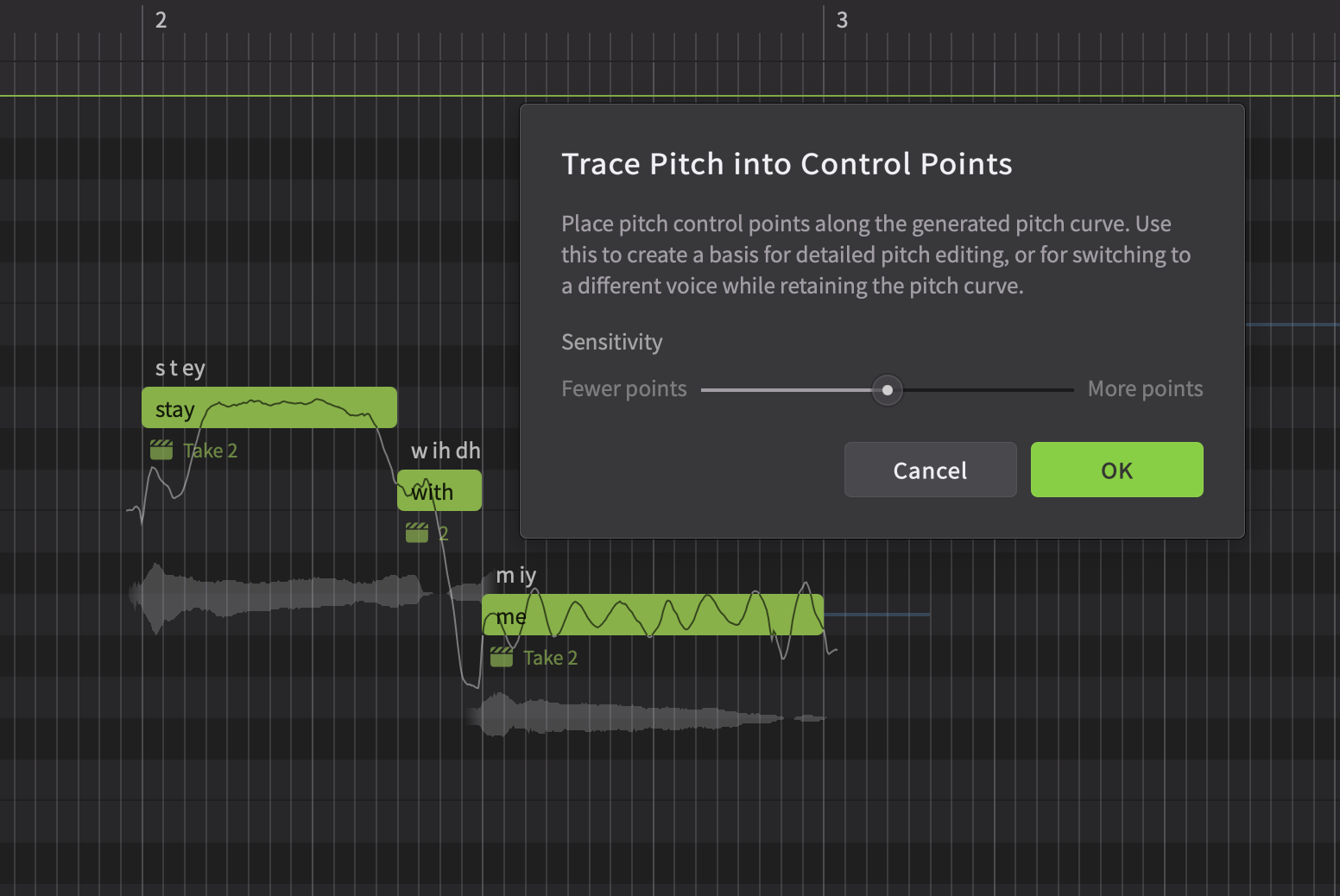
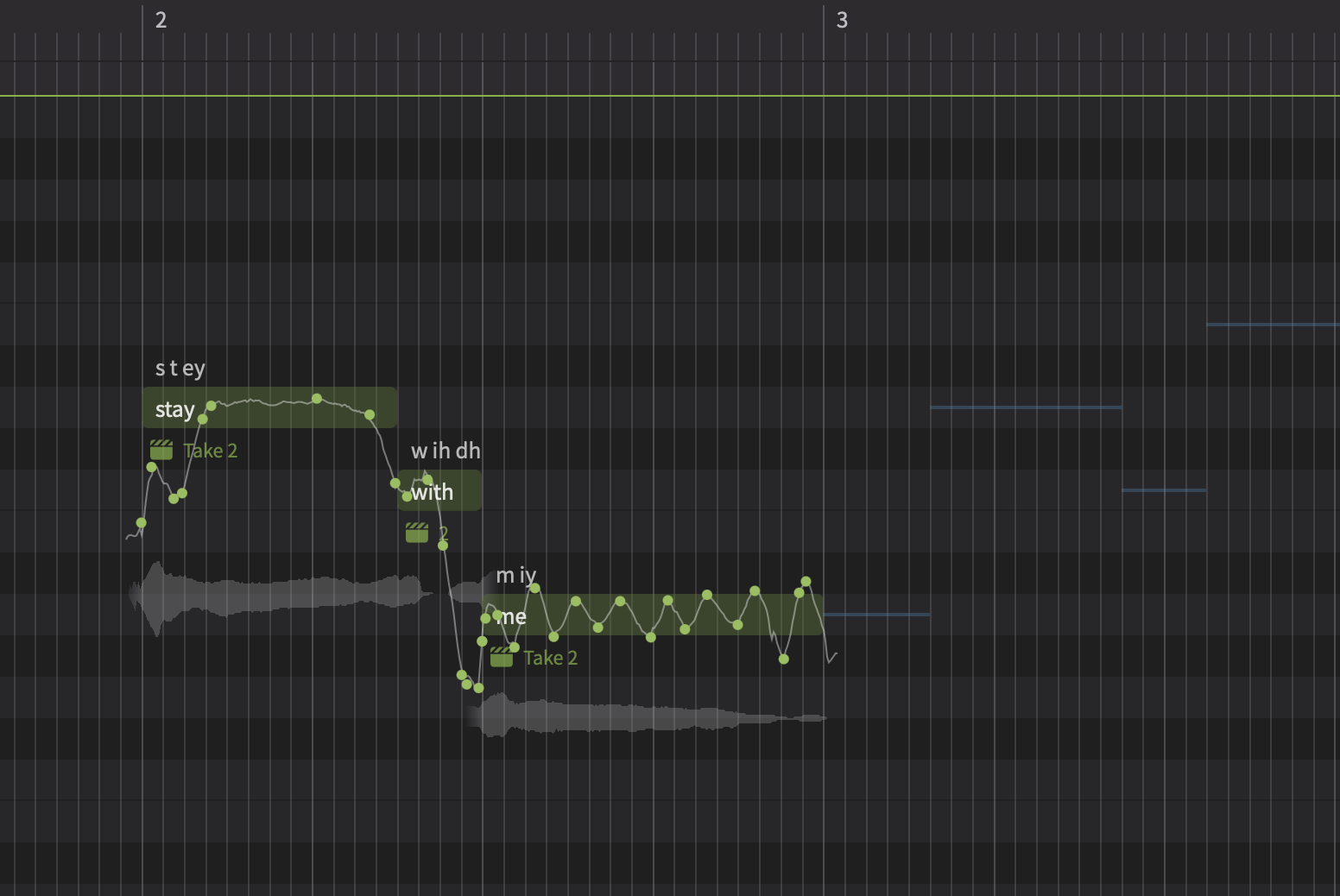
In Synthesizer V Studio 2 Pro, simply select the notes, go to the Modify menu and choose ‘Trace Pitch into Control Points’. This will automatically create control points along the generated pitch curve, ensuring the shape remains mostly intact, while preserving enough flexibility for meaningful edits.
| Before | After |
 |
 |
Another use of the Manual Mode in version 1 was for completely bypassing the pitch generation algorithm by using manually specified parameters, even hand-drawn curves to create either robot-sounding or personalized pitch stylizations.
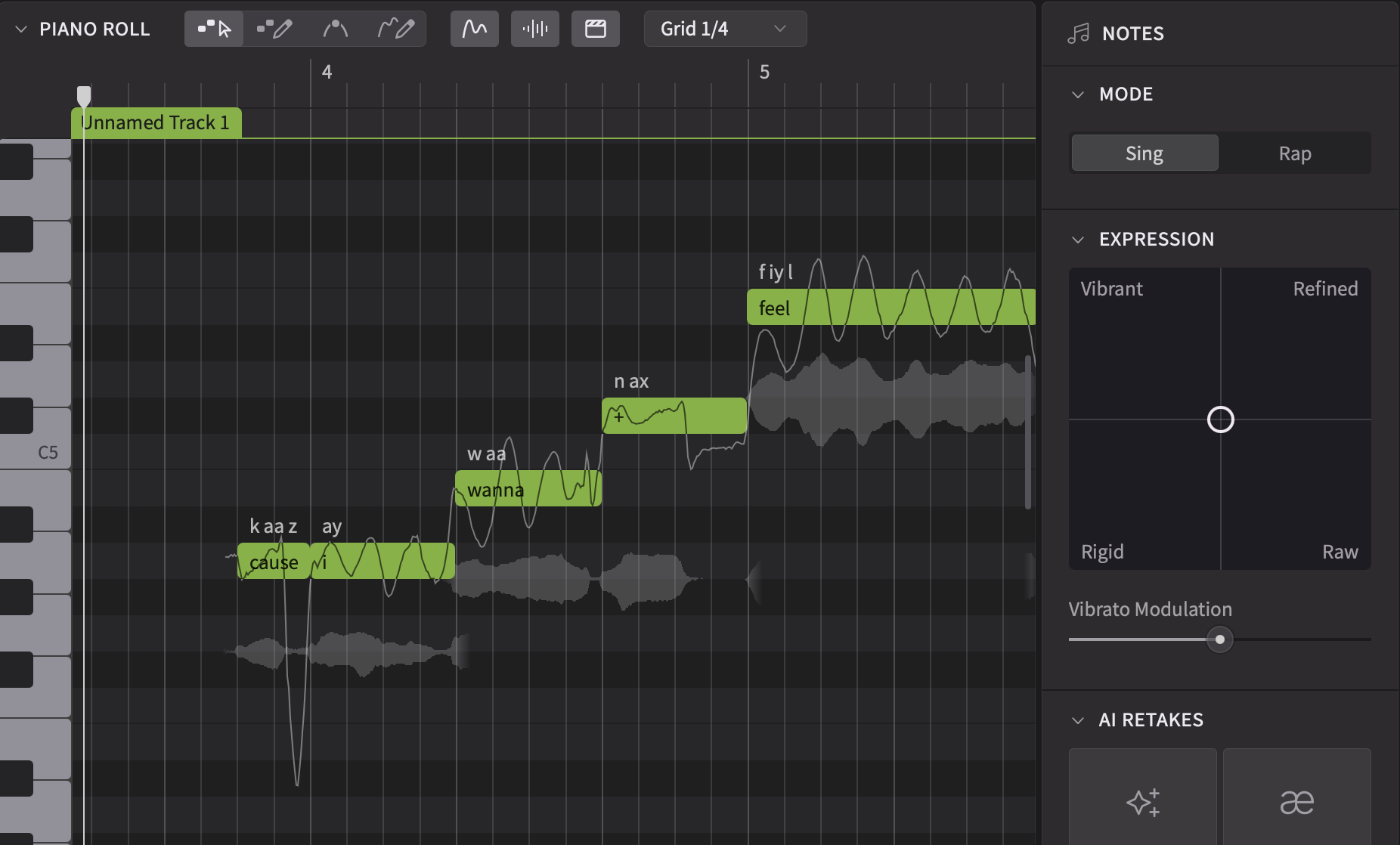
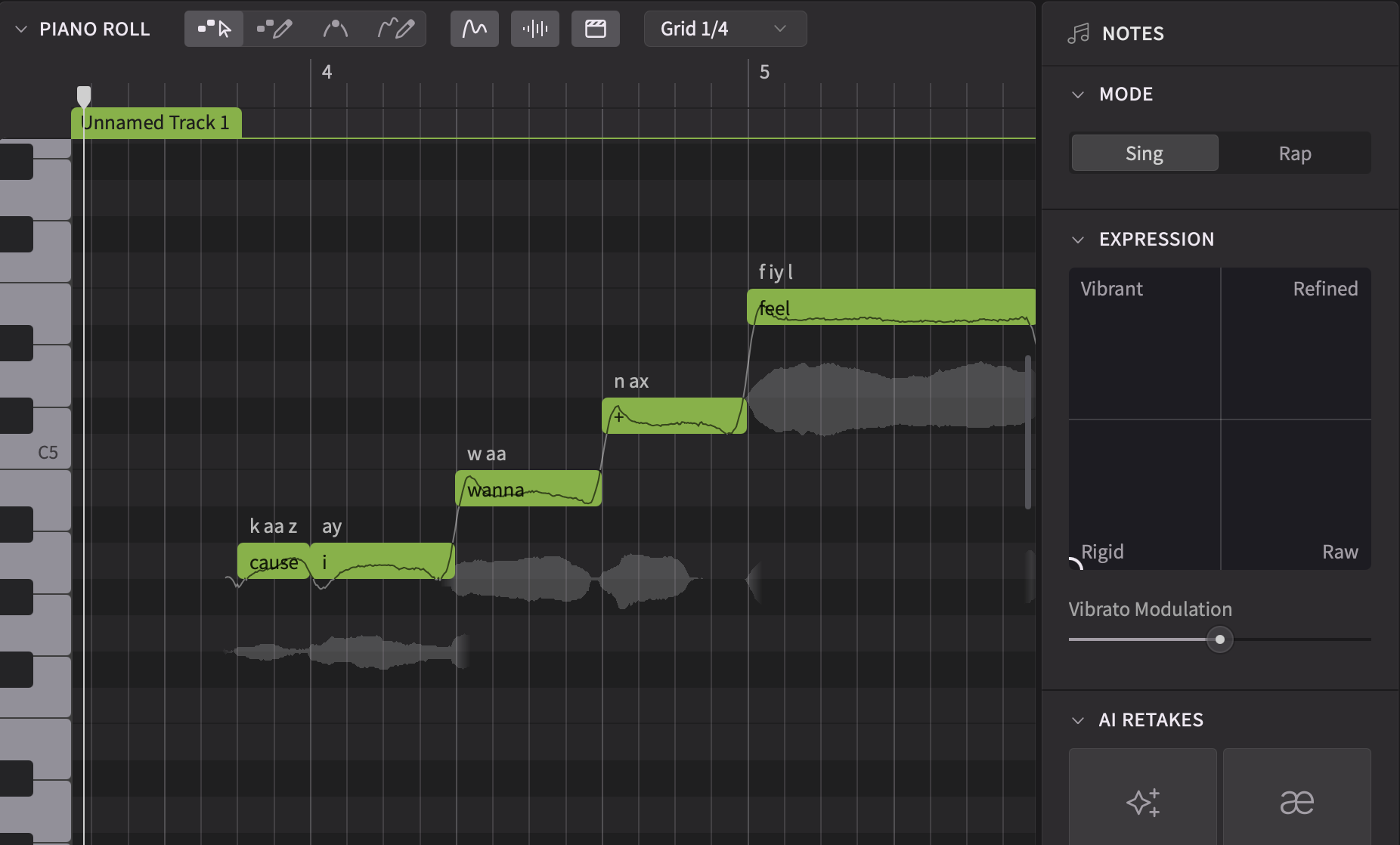
In Synthesizer V Studio 2 Pro, the pitch generation algorithm is always present. Since version 1, we have developed and provided a ‘Rigid’ mode in the expression pad that tells the model to behave like the Manual Mode. Simply select the notes you want to edit, then left-click and drag the joystick pointer control to the “Rigid” corner. This will flatten the pitch curves and create small undershoots or overshoots at the beginning and end of each note.
| Default | Rigid |
 |
 |
Furthermore, pitch control points under Rigid mode will have a similar effect to the pitch curve like the Manual Mode sliders in version 1. They will create vibratos with a stable rate of oscillation, clearly defined note transitions, and precisely controlled pitch offshootings.
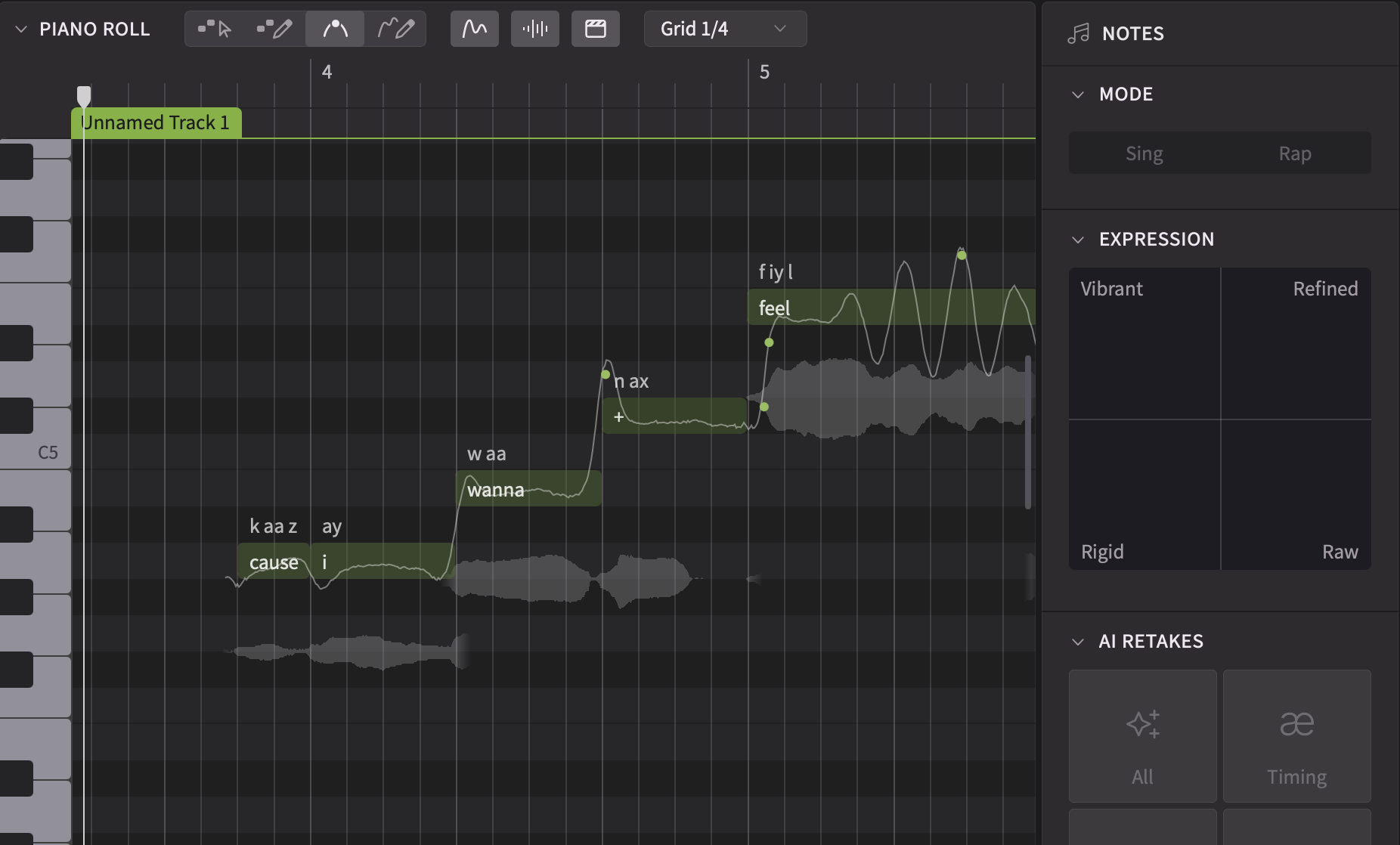
It’s even possible to interpolate between the Manual Mode-like behavior under ‘Rigid’ mode with the more natural dynamics from other modes:
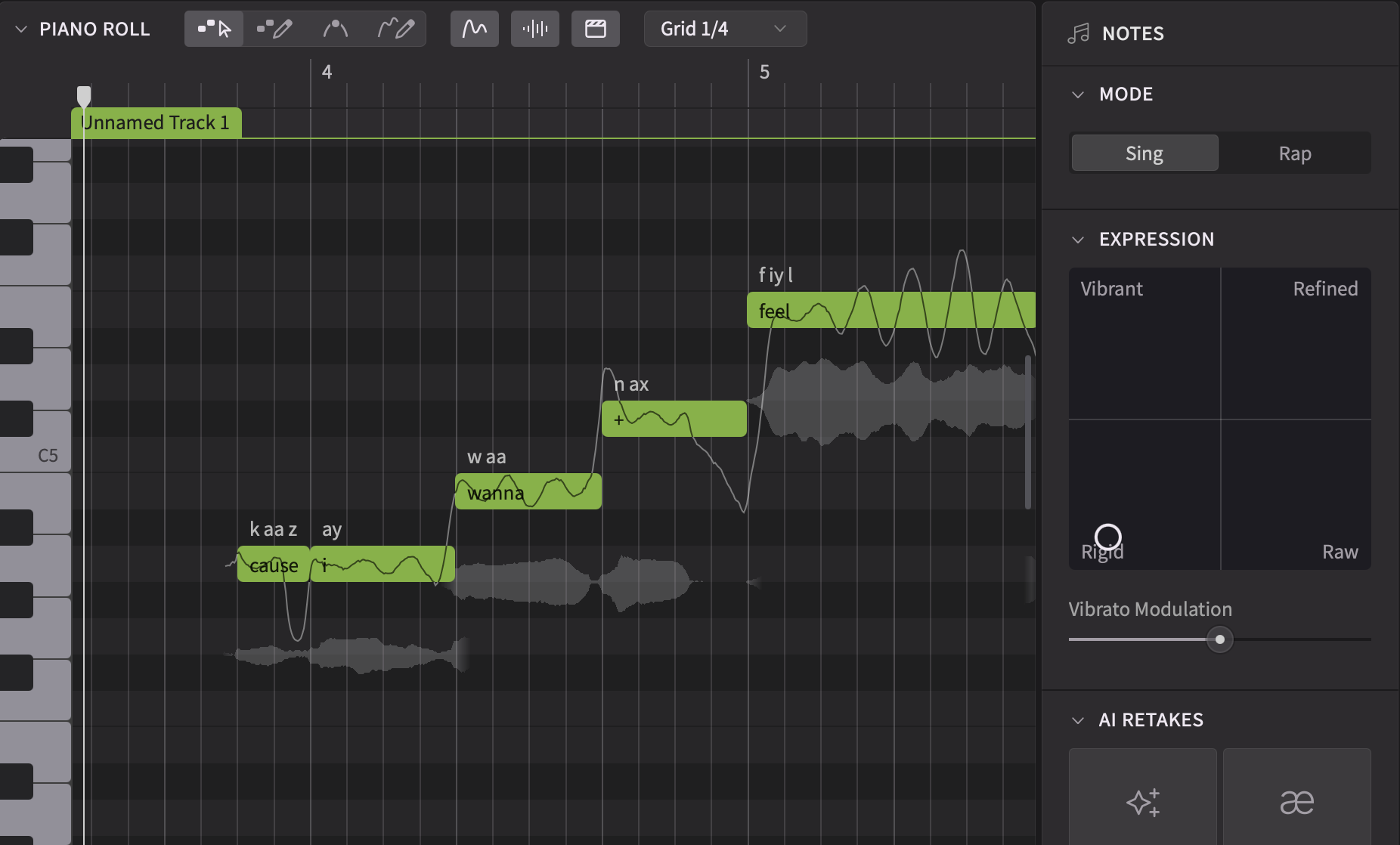
Note that Rigid mode is only supported by version 2 voices. Compatibility updates for version 1 voices will have a Stable mode instead, which is more similar to “low expressiveness” settings in version 1.
Version 1 of Synthesizer V Studio Pro has always lacked a way to precisely specify the beginning and end of phonemes, aside from a set of phoneme duration sliders that can only make relative changes to the length. As a workaround, you may have tried creating short notes containing just a single phoneme, which works to a certain degree.
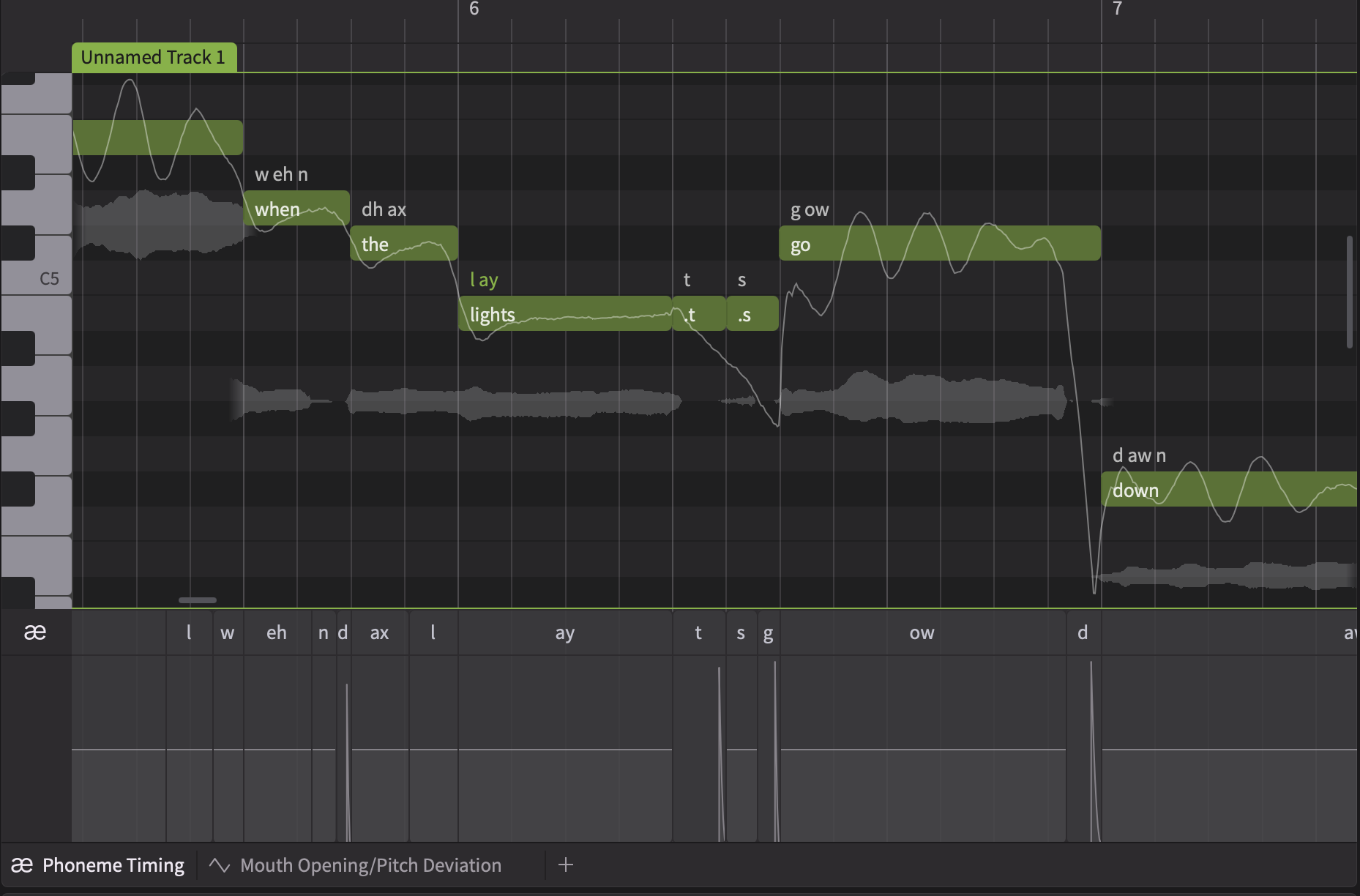
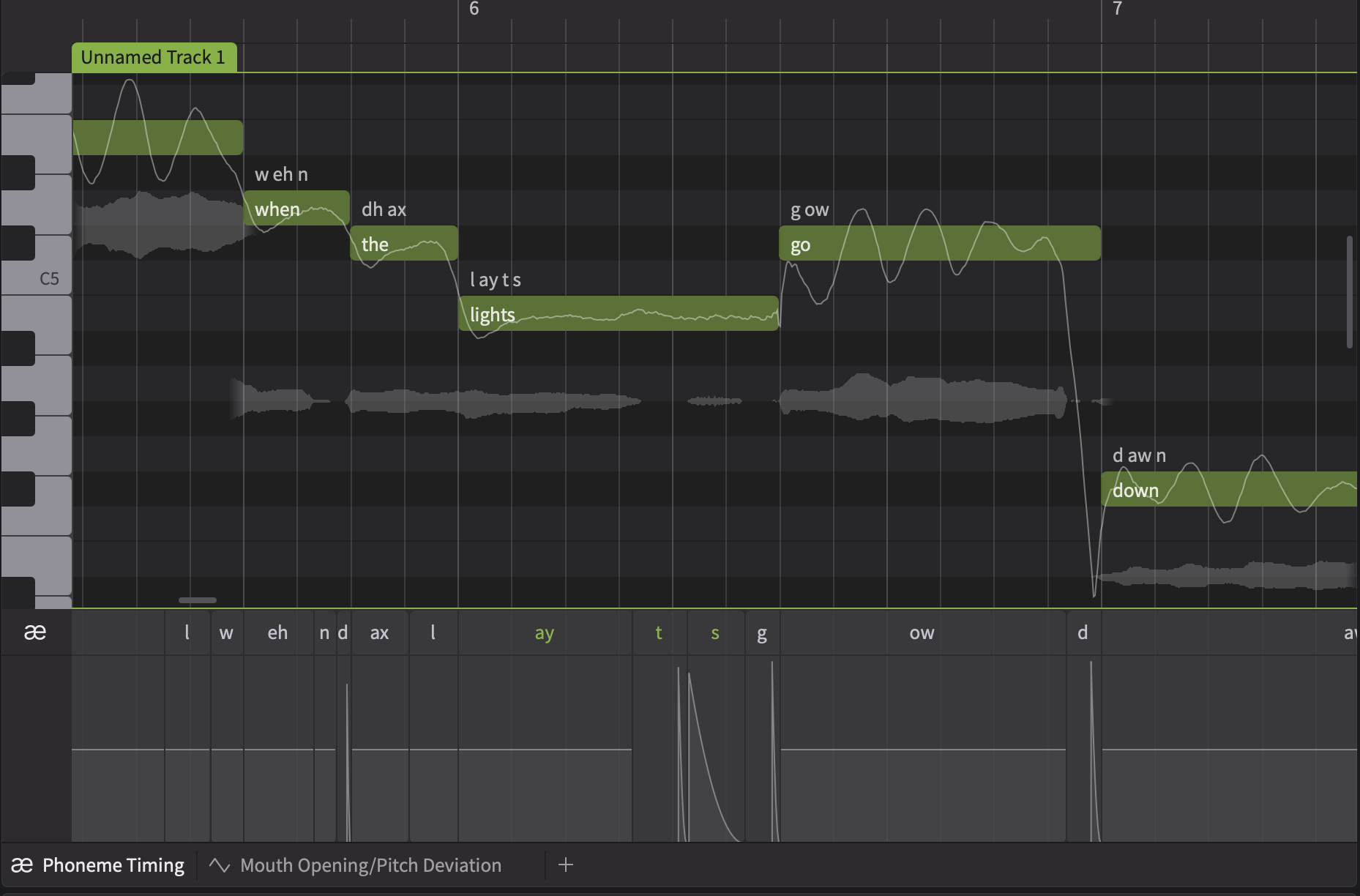
However, Version 2 voices have now been designed to contextualize notes more musically. As a result, notes containing consonants (except breaths) may cause quality degradation, even mispronunciations. Fortunately, we now have a better alternative to placing individual phonemes as notes. Simply use the Phoneme Timing panels to directly drag and resize the phoneme boundary to taste:
| Not Recommended | Recommended |
 |
 |
When importing projects created in the version 1 editor into Synthesizer V Studio 2 Pro, and when switching from a version 1 voice to a version 2 voice, please pay attention to the following.
Version 1 voices, including their compatibility updates for Synthesizer V Studio 2 Pro, will have different results from AI Retakes compared to version 2 voices, even for the same take number. A take that worked well for version 1 may not sound ideal in version 2.
We recommend resetting the takes after importing a version 1 project and switching to a version 2 voice.
Version 2 voices tend to have more distinct Vocal Modes. This however, means that the same combination of Vocal Modes that worked for version 1, may become too strong for version 2.
In addition, if you have tried using standard parameters such as ‘Breathiness’ and ‘Tension’ to make-up for what Vocal Modes were perhaps lacking, you may find that version 2 works better with a different balance between Vocal Modes and these parameters, or in some cases completely switching off the standard parameters.
Pitch Deviation was extensively used in version 1 as a general solution to bridge the gap (literally) between pitch generated by the system and what the user has drawn. This however, may not work in version 2 since the system could generate a completely different pitch curve to start with.
With this in mind, we recommend the following workflow to workaround this limitation: first change all notes with a Pitch Deviation drawn over the top into Rigid mode. Then, apply ‘Trace Pitch into Control Points’ to effectively convert the Pitch Deviation into pitch control points. Finally, remove the pitch deviation so that you can carry out the edits using the Smart Pitch Controls feature.

Learn how to create custom vocal and choir samples with AI-powered vocal synth Synthesizer V. A step-by-step guide for building unique toplines, melodies, and lyrical hooks for EDM, pop, and more.
Details on new Synthesizer V Studio 2 Pro 2.2.1 update
Looking for the best way to change vocals from male to female? Here’s how Vocoflex and Synthesizer V make it easy in your DAW.
Overview of premium virtual choir collections and expressive vocal synthesis tools

Details on newly released Synthesizer V voices for pop, R&B and classical
Top vocal plugins and mixing tools for music production with Synthesizer V voices
How live rendering improves real‑time AI vocal playback in music production
Explaining neural network and hybrid engine improvements for better vocal sound
How AI voice cloning transforms vocals and builds layered vocal stacks
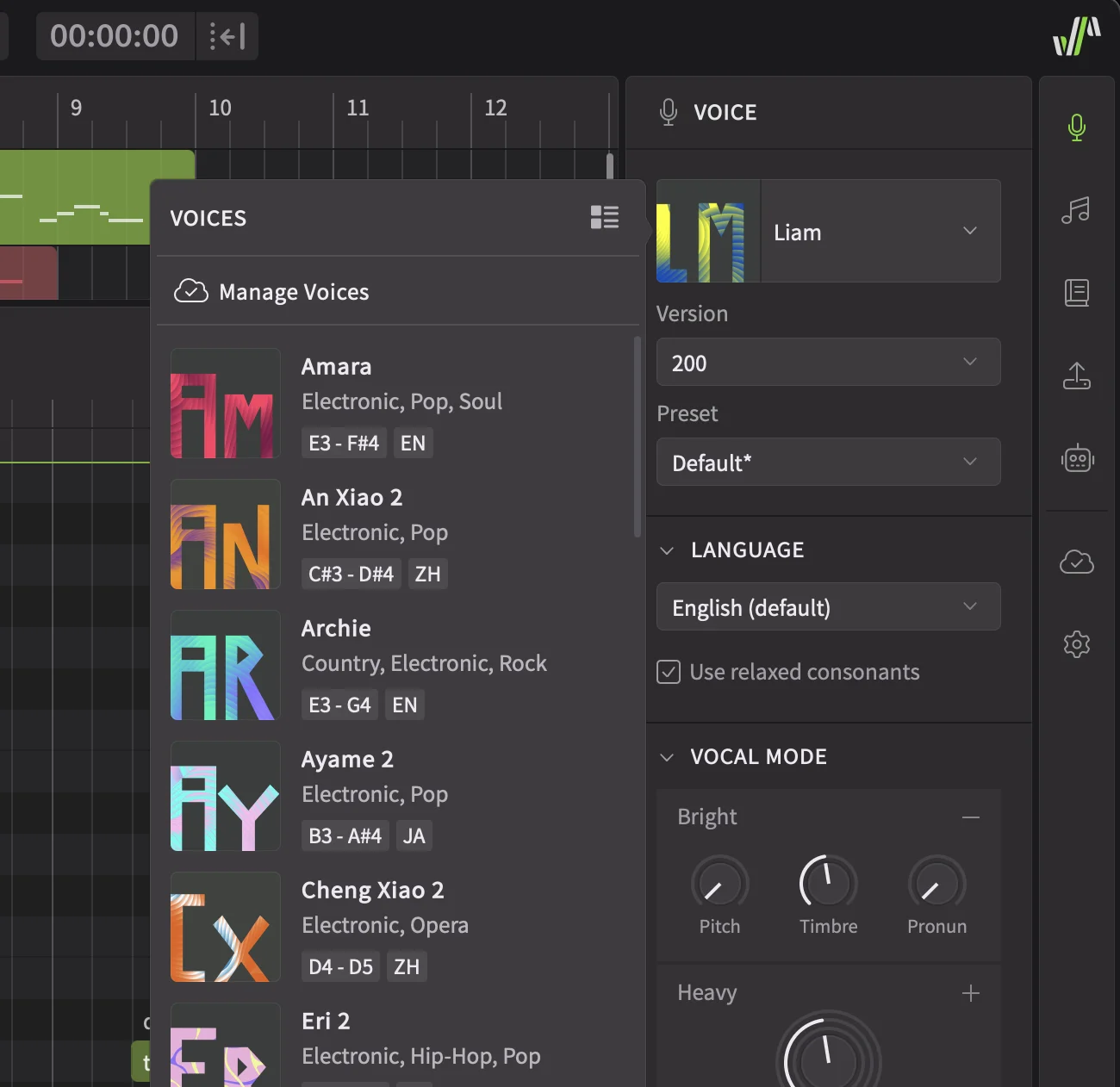
Details on enhanced voice selector, customizable UI and stability fixes in update
Guide to migrating and upgrading Synthesizer V Studio from V1 to V2
Details on Summer Sale 2025 deals for voices and music production tools
Details on new Amara and Archie AI voices for Synthesizer V vocal production
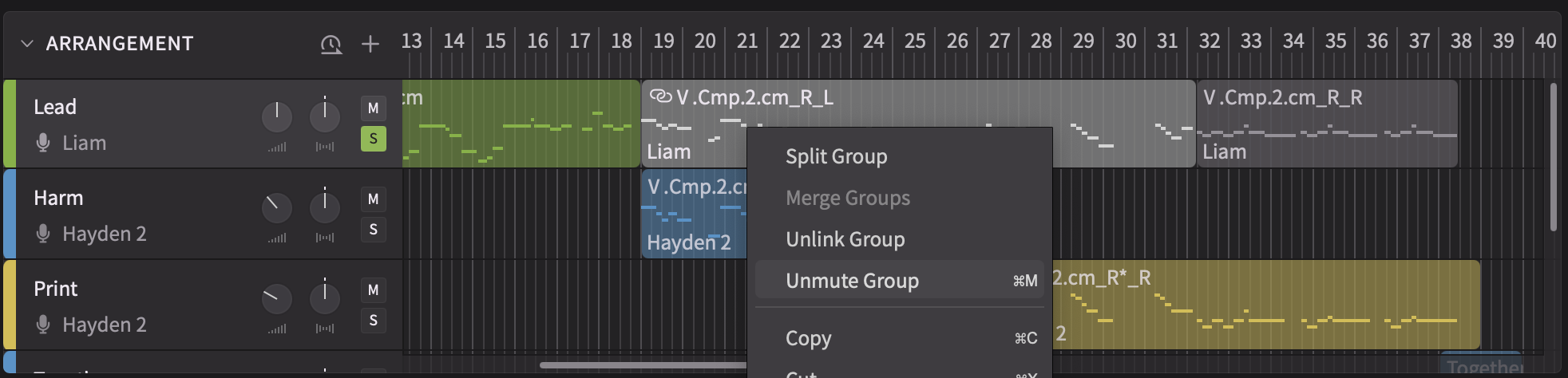
Expanded scripting, group mute and stability improvements in Synthesizer V 2.1.1
Voice update v201 boosts pronunciation, pitch accuracy and cross‑lingual quality

Bug fixes and performance improvements in Vocoflex 1.0.3 voice‑morphing plugin
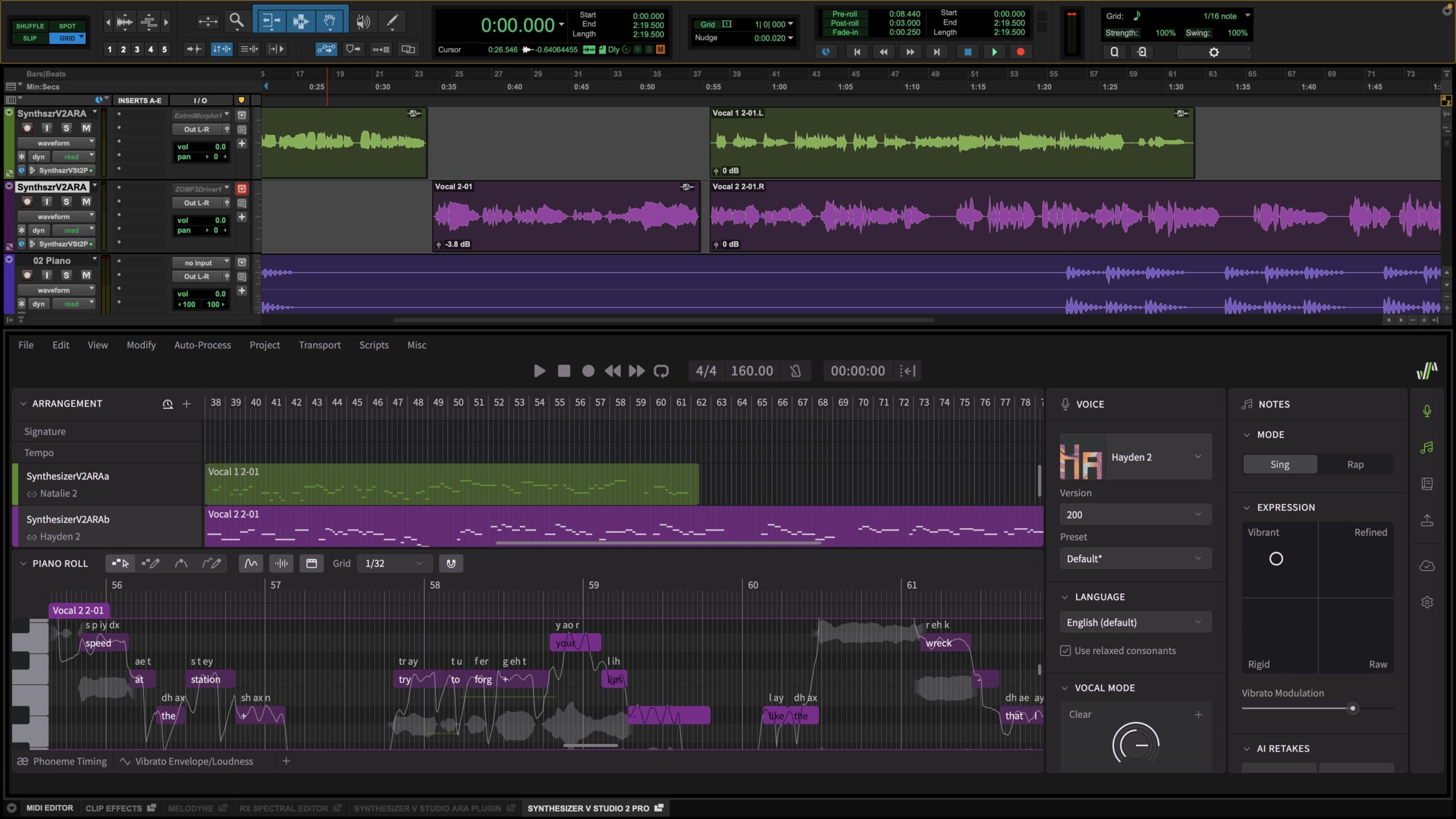
ARA Pro Tools support and redesigned pitch controls in Synthesizer V 2.1.0 update
Walkthrough of Synthesizer V Studio 2 Pro features for AI vocal production
Details on major Synthesizer V Studio 2 Pro release and upgraded voice quality
Explains KYC process and privacy safeguards for the Vocoflex voice tool
Vocoflex 1.0.2 adds multithread processing and plugin compatibility fixes
Overview of FL Studio tempo sync, AAX support and bug fixes in version 1.11.2
Release of Vocoflex real‑time voice plugin and vocal creation bundles
Beta update adds Pro Tools AAX plugin and DAW sync for Synthesizer V Studio
Overview of FL Studio plugin sync and stability improvements in 1.11.2b1 update

Overview of Dreamtonics’ Vocoflex plugin for transforming singing voices
Synthesizer V Studio 1.11.0 adds ARA DAW integration and Voice‑to‑MIDI features
Official Synthesizer V Studio user manual covers basic to advanced features
Beta update refines piano roll UI, ARA integration and Voice‑to‑MIDI workflow
Beta update expands ARA support, Voice‑to‑MIDI speed and cross‑DAW stability
Overview of ARA plugin and vocal MIDI conversion features in Synthesizer V 1.11.0b1
Bug fixes and workflow stability improvements in Synthesizer V Studio 1.10.1
Overview of updating Synthesizer V Studio and voices for Japanese rap vocals
Synthesizer V Studio 1.10.0 adds RLHF pitch, UI tools and voice database upgrades
Beta update with RLHF‑enhanced pitch, timbre improvements and UI tweaks
Beta update improves pitch generation with user feedback for AI vocal workflows
Details on AI pitch updates, note controls and vocal mode improvements in v1.9.0
Beta update refines rap, Cantonese support and AI pitch controls in Synthesizer V
Beta update adds rap features, Cantonese synthesis and vocal workflow fixes
Overview of bugs fixed and improved bass male synthesis in Studio 1.8.1
Details on Synthesizer V Studio 1.8.1b1 update: performance and vocal tools
Synthesizer V Studio 1.8.0 adds DPM engine, MIDI support and cross‑lingual synthesis
Overview of 1.8.0b1 Diffusion models, MIDI keyboard and metronome support
Introducing Synthesizer V AI Mai Japanese AI voicebank for J‑Pop and crisp vocals
New Synthesizer V AI voices Yuma (JP) and Natalie (EN) for vocal production
Voice version selector and stability fixes for Synthesizer V Studio 1.7.1 update
Overview of multiple voice database version support and bug resolutions
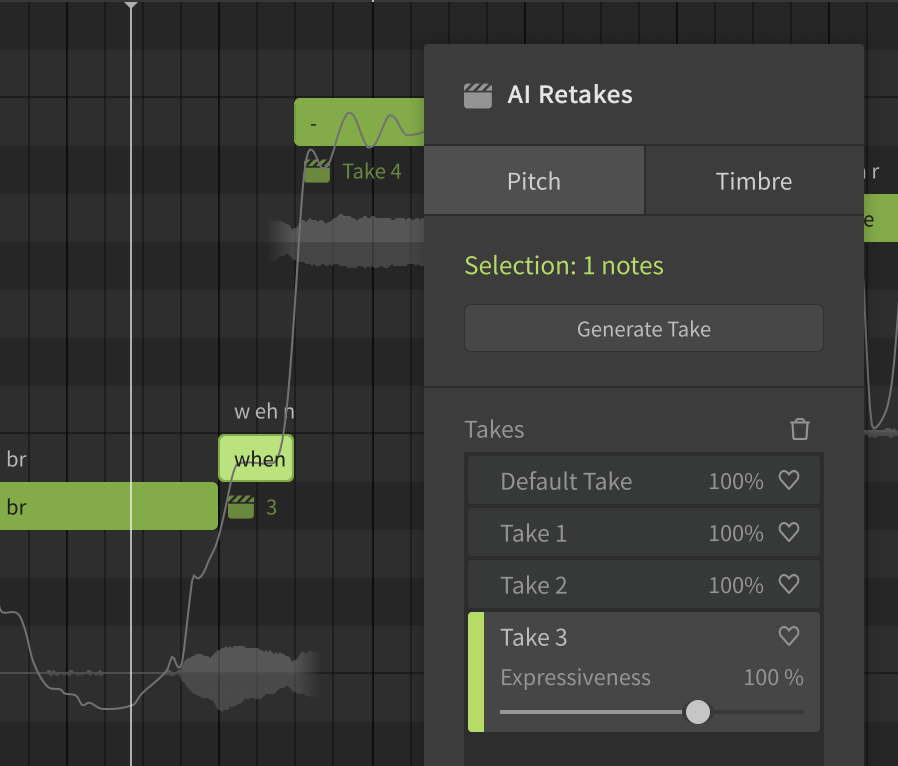
Adds AI Retakes vocal editing for refined Synthesizer V music production
Bug fixes for crashes, Intel Mac AI voice glitches and DAW plugin stability
Adds Vocal Modes and Instant Pitch Tuning for richer AI vocal control
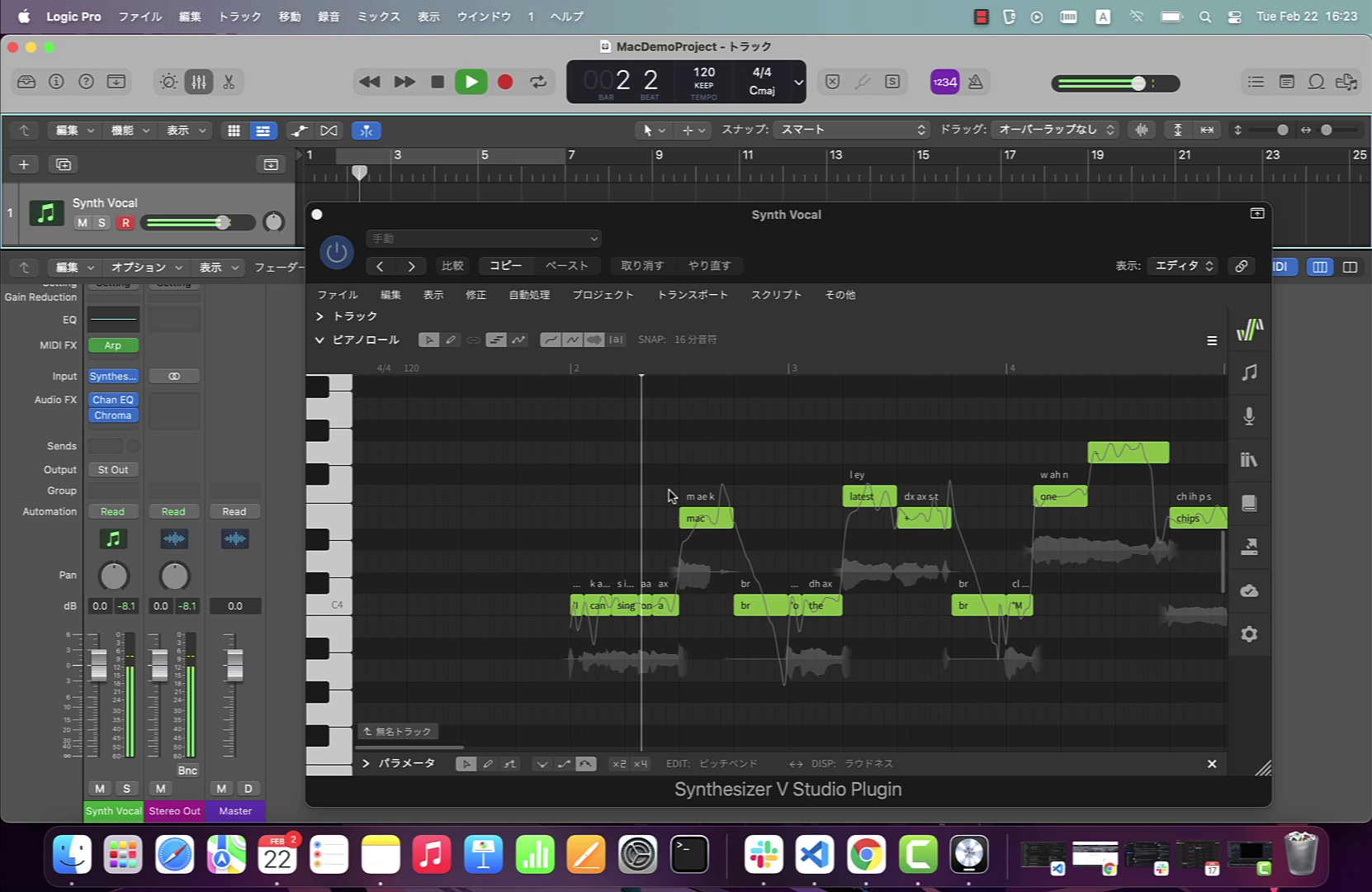
Details on Synthesizer V Studio’s native Apple Silicon support and speed gains
How Synthesizer V AI enables any voice to sing in English, Japanese, Chinese
Stability improvements and key bug fixes for Synthesizer V Studio engine
New Auto Pitch Tuning, ornament commands and 4th‑gen AI voice support
Overview of rules for approved partnerships and Synthesizer V trademark usage
Synthesizer V Studio 1.3.0 adds 3rd‑gen AI voices and improved editing/UI tools
Overview of Synthesizer V Studio update adding deep learning AI voices
Overview of Synthesizer V AI bringing human‑like vocal quality to music
Details on Synthesizer V Studio editions for AI voice synthesis and music production

Dreamtonics presents Synthesizer V Studio’s next generation release livestream

Announcement of Dreamtonics’ new official website with future updates to come


[caption]